Students
Draw a mechanism while you are working through it, check the molecular weight and exact mass you just calculated by hand, and paste a clean structure into a problem set.
A structure for a report, a mechanism for a problem set, a quick check on a molecular weight. Sketch it, read its properties and get back to it anytime without exporting a file, switching applications and losing your place.
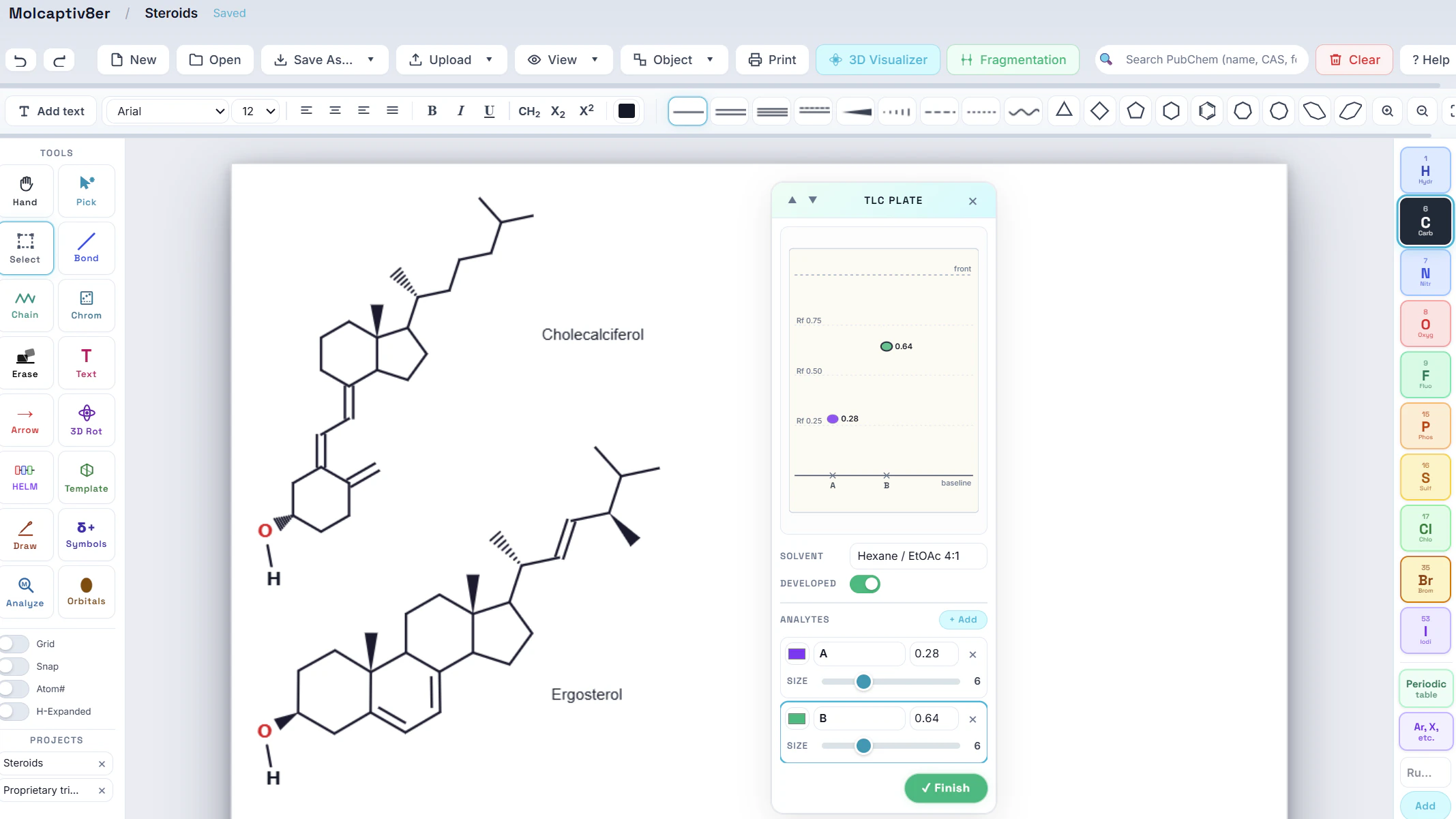
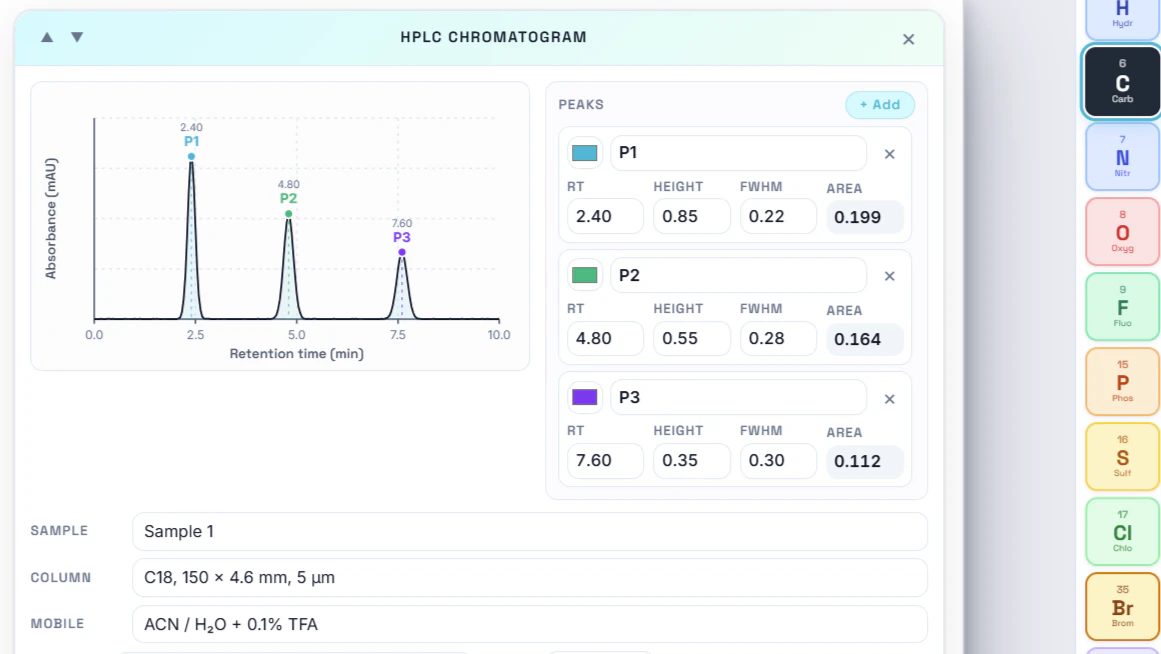
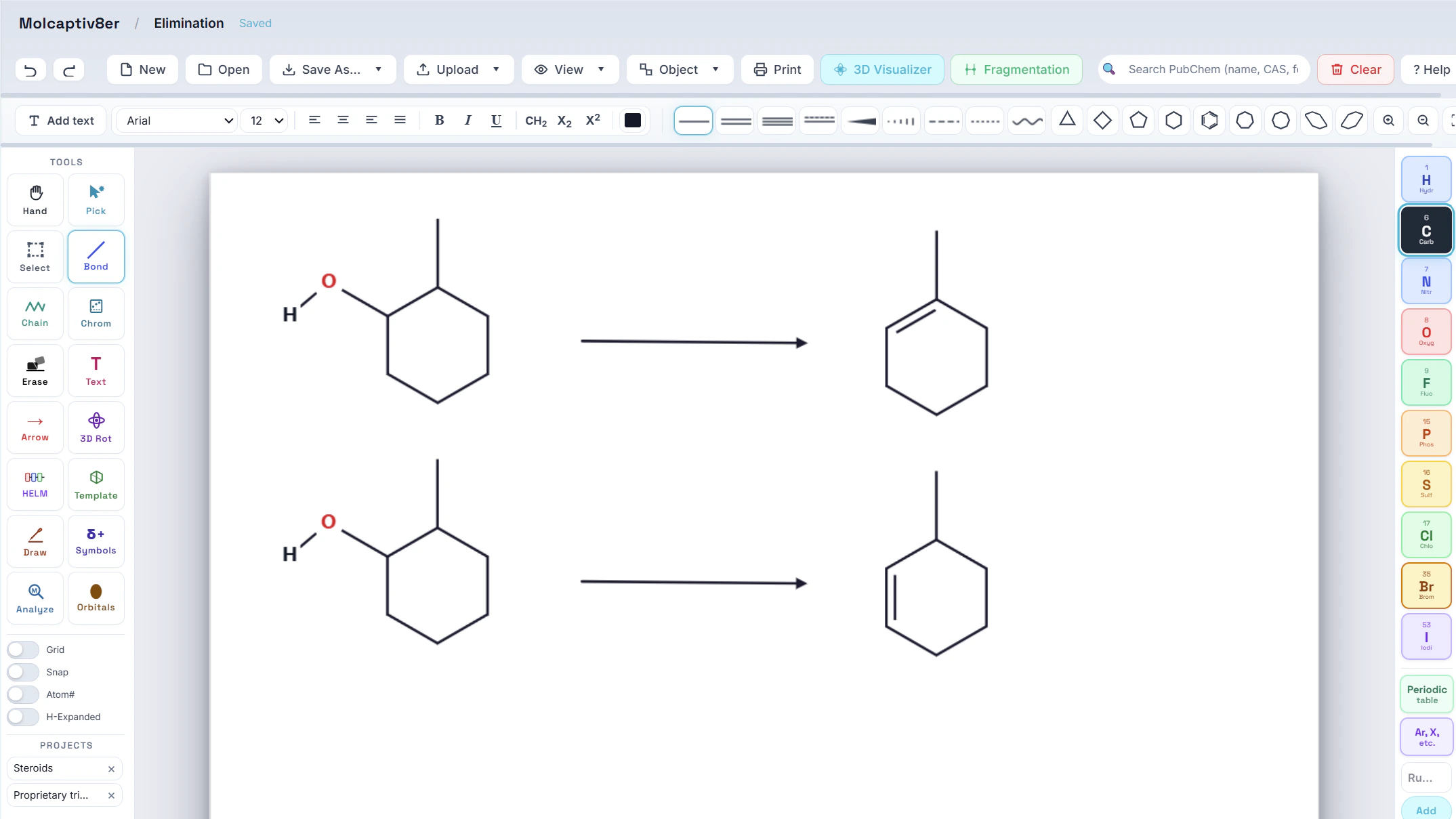
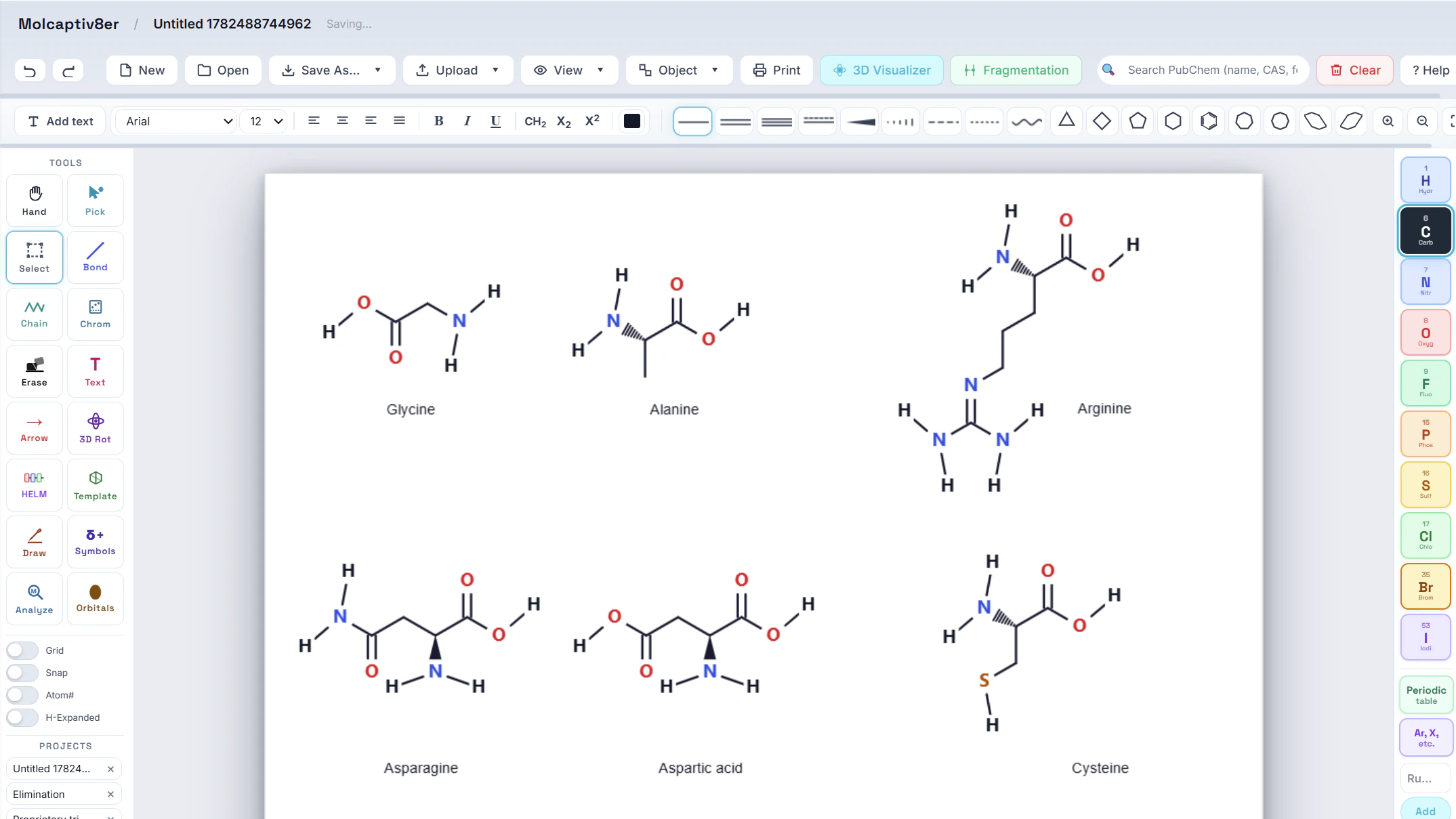
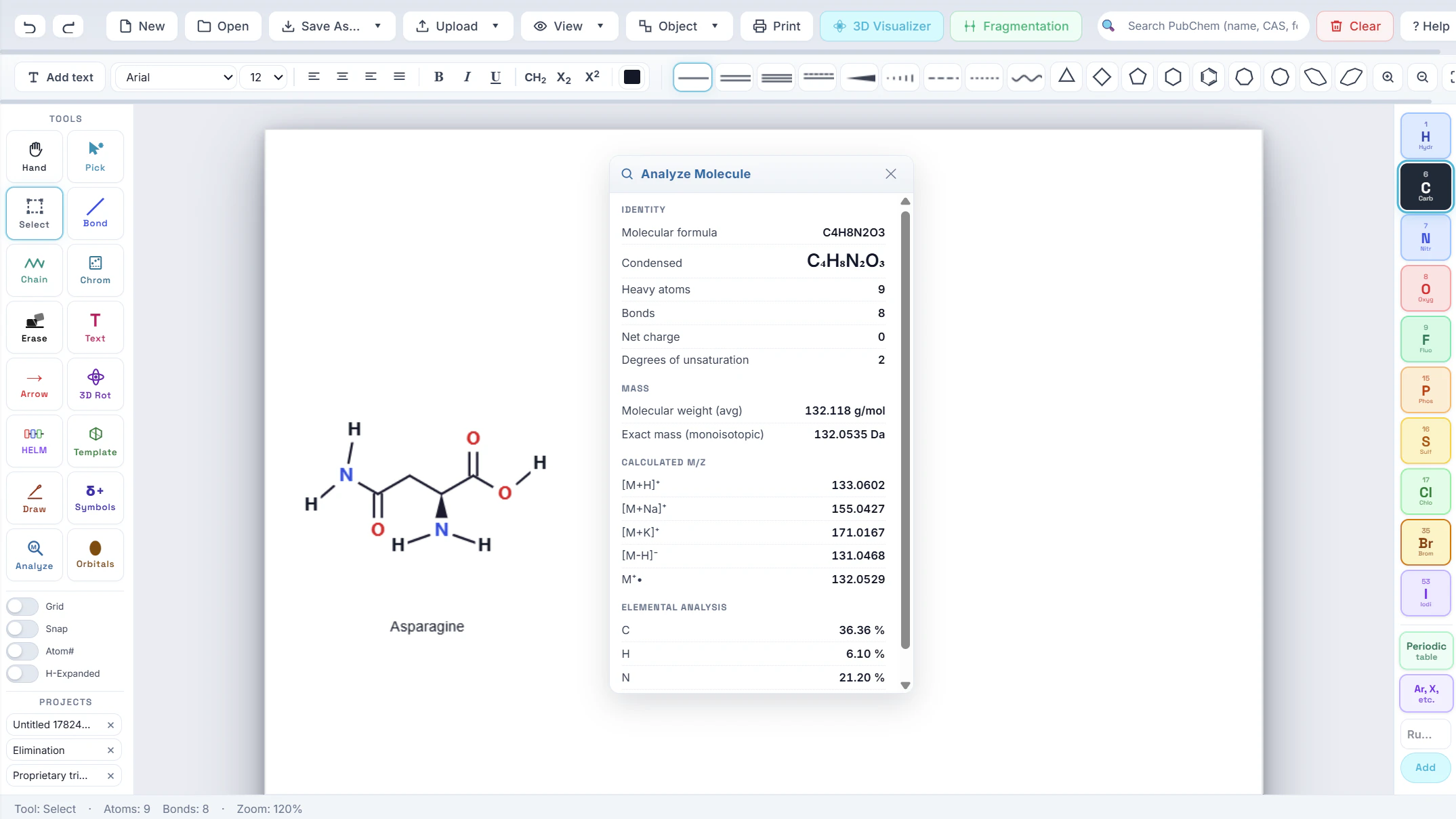
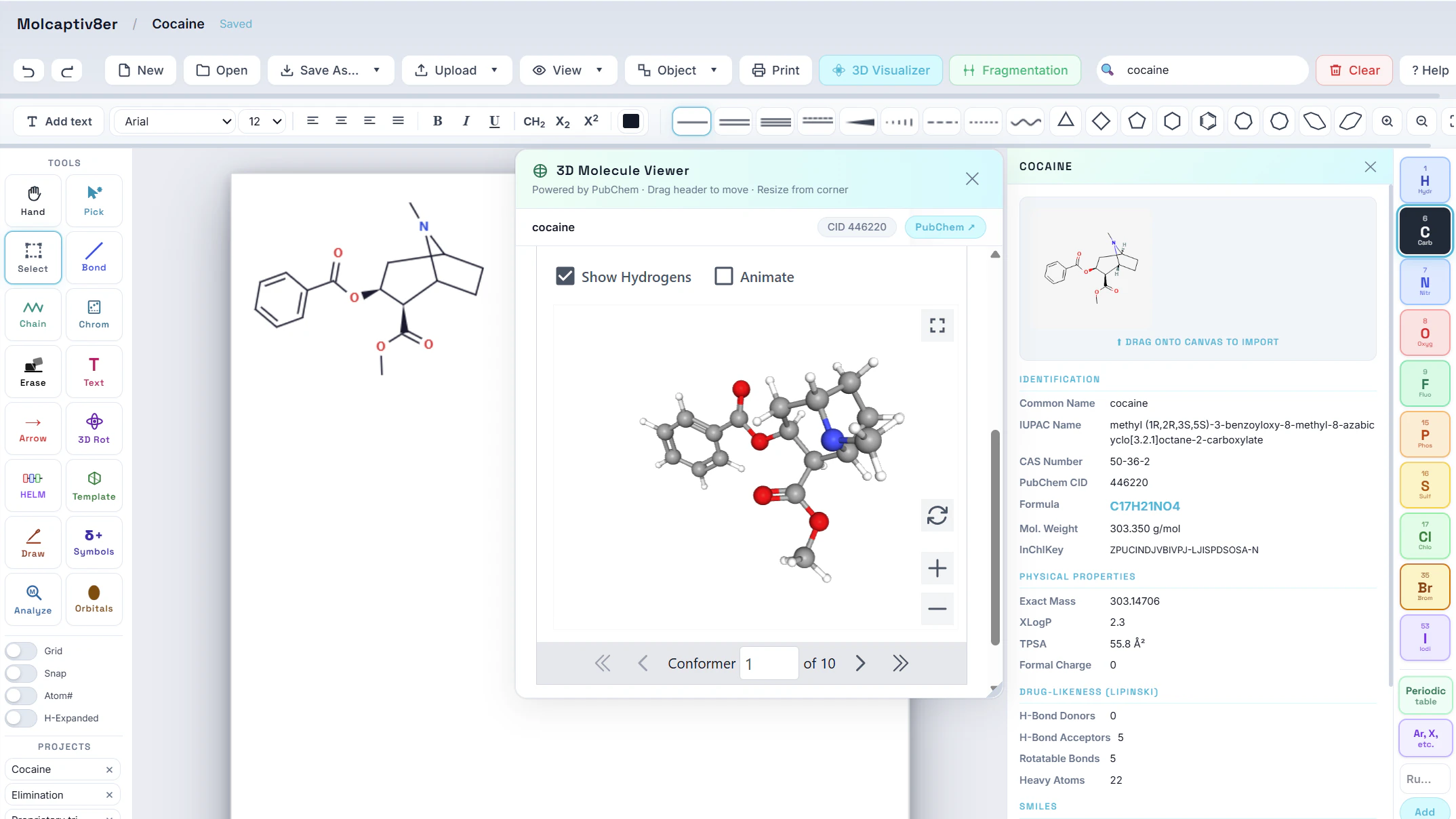
See how chemists sketch a structure, check its properties and export a figure - without leaving the page they were already on.
Not a replacement for a full chemical drawing suite - a quick, convenient editor for the structures you need while you are working, sitting next to the chat, ChemVoice and your files.
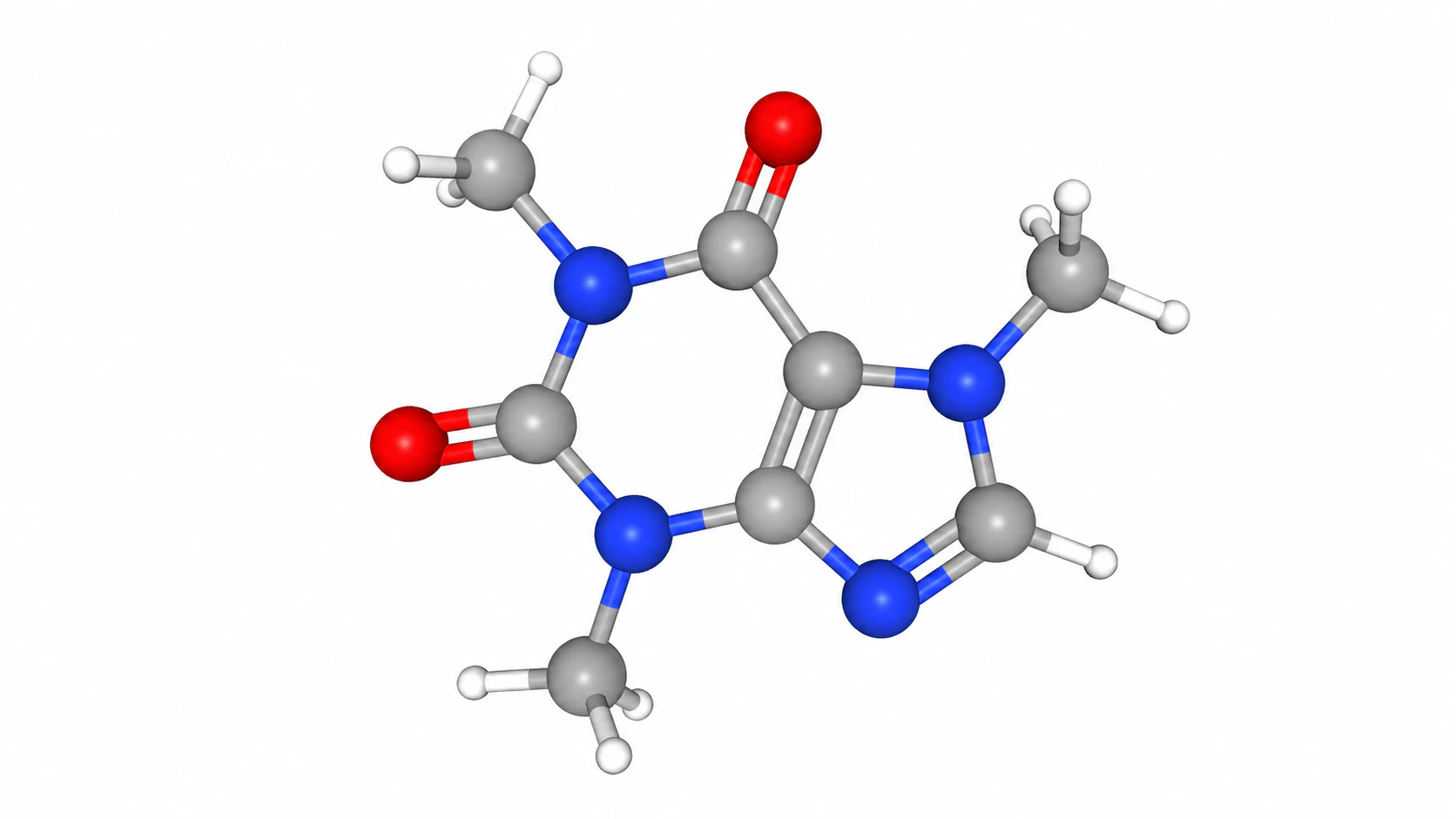
Draw in 2D and turn any flat structure into a rotatable 3D model in a click - force-field-optimized conformations you can inspect from every angle, without leaving the browser.
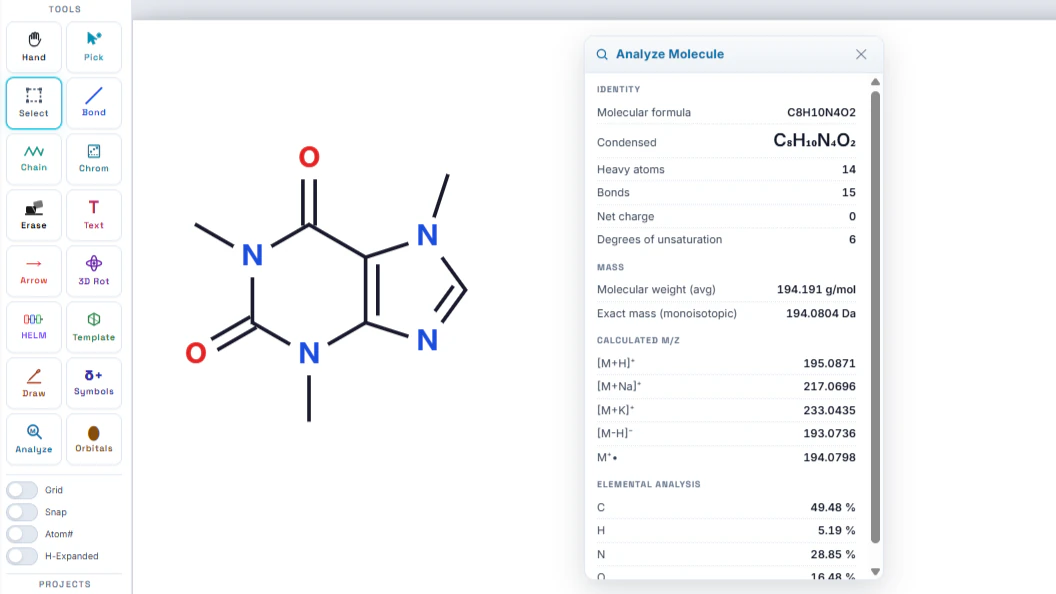
Molecular weight, exact and average mass, isotopic mass distribution and molecular formula, calculated as you draw - so a quick sanity check does not mean opening a separate calculator.
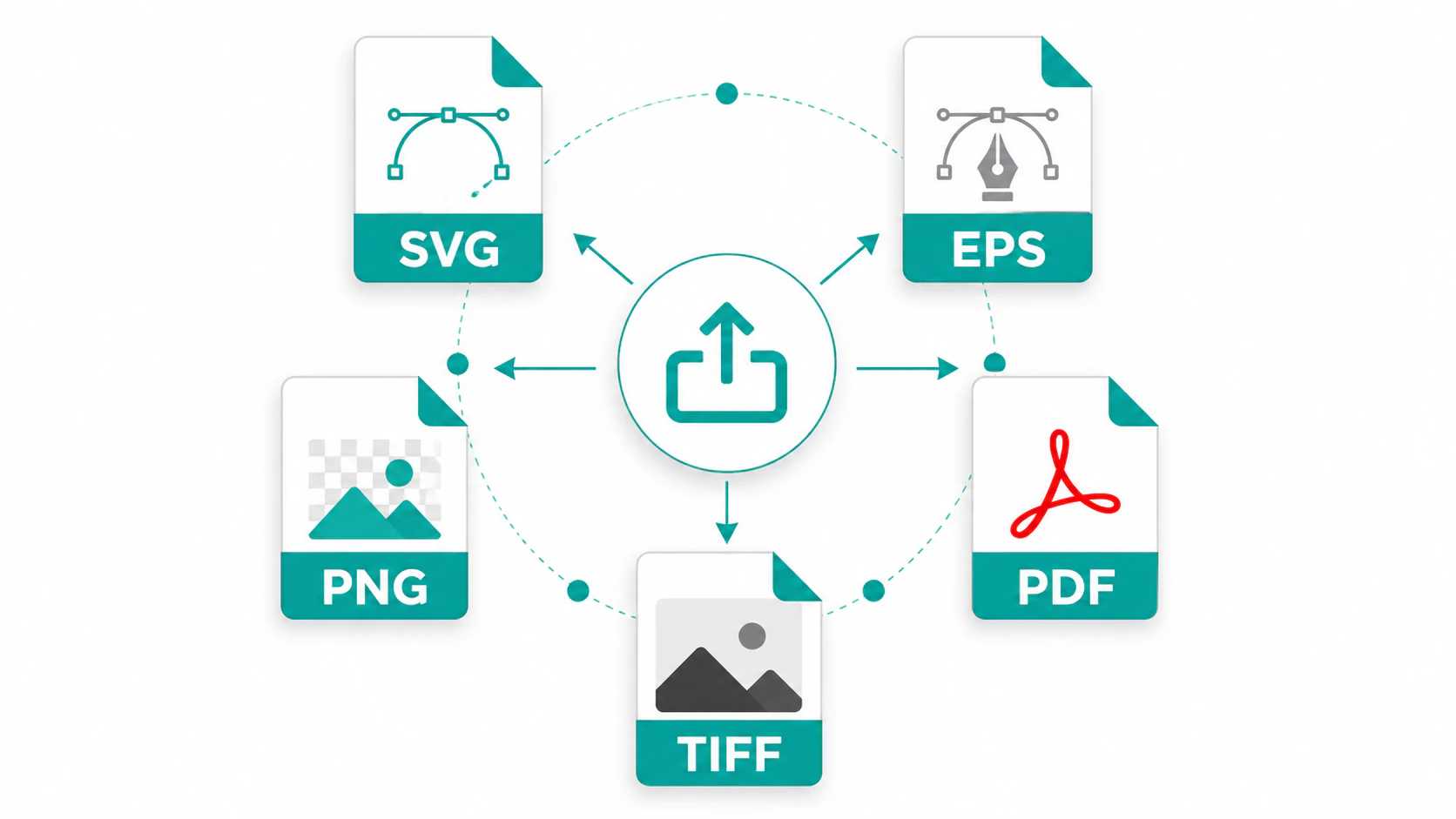
Export as .cit, .png, .svg, .mol and .cif. SVG is vector, so a figure stays sharp at any size in a manuscript, poster or slide, and structures keep a consistent bond length and label size across a document - figures drawn weeks apart still match.
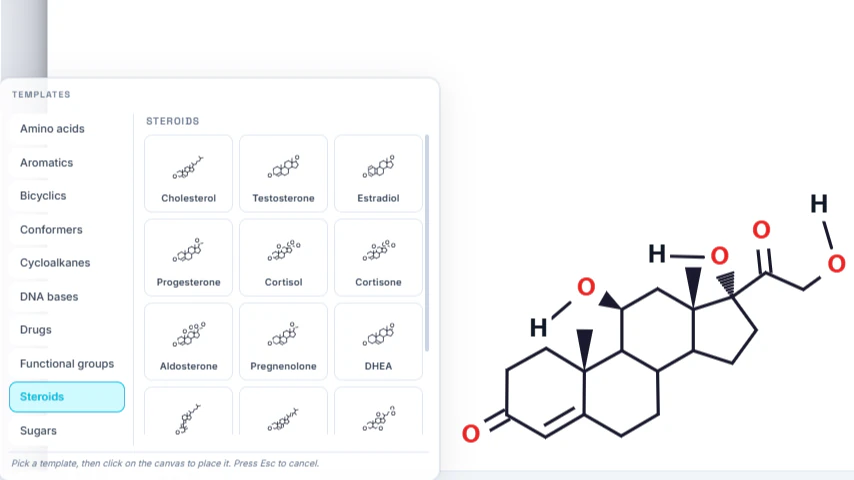
Start from the template library - amino acids, aromatics, bicyclics, conformers, cycloalkanes, DNA bases, drugs, functional groups, steroids and sugars - or pull a structure straight from PubChem by name and edit it on the canvas.
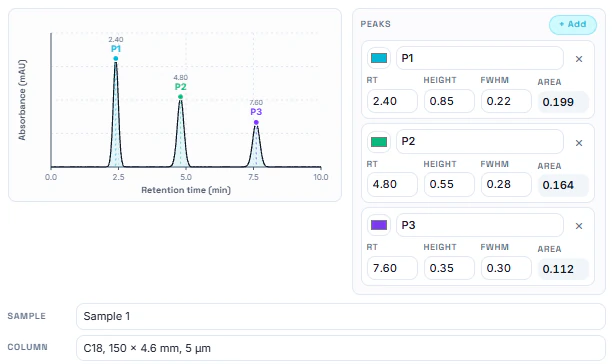
An HPLC chromatogram simulator and a TLC plate simulator sit on the same canvas as your structures, so a method figure and the compounds it describes live in one drawing. More spectroscopic simulators are in development.
Most structure drawing is not a publication figure - it is a mechanism on the way to an answer, a slide before a meeting, or a worksheet due tomorrow.
Draw a mechanism while you are working through it, check the molecular weight and exact mass you just calculated by hand, and paste a clean structure into a problem set.
Build structures for worksheets, exam questions and lecture slides, and put a TLC plate or a chromatogram next to the compounds it separates.
Sketch a route step, adjust a substituent, and check the formula and mass of what you would actually be making before you run it.
Draw the analyte you are developing a method for, then sketch the separation beside it with the HPLC and TLC simulators.
Export vector SVG or PNG for a report, a poster or a slide deck - consistently sized, so a figure set drawn over weeks still looks like one figure set.
Draw a structure while you are asking about it, or turn something from a conversation into a drawing without opening a second application.