How ChemITrust AI Works

One workspace for the work around your science.

Ask chemistry questions, document experiments by voice, draw molecules, and keep scientific files organized - without jumping between disconnected tools.

ChemITrust AI product demo - 1ChemITrust AI product demo - 2ChemITrust AI product demo - 3ChemITrust AI product demo - 4ChemITrust AI product demo - 5ChemITrust AI product demo - 6ChemITrust AI product demo - 7ChemITrust AI product demo - 8
  • ChemITrust AI Chat
  • ChemVoice
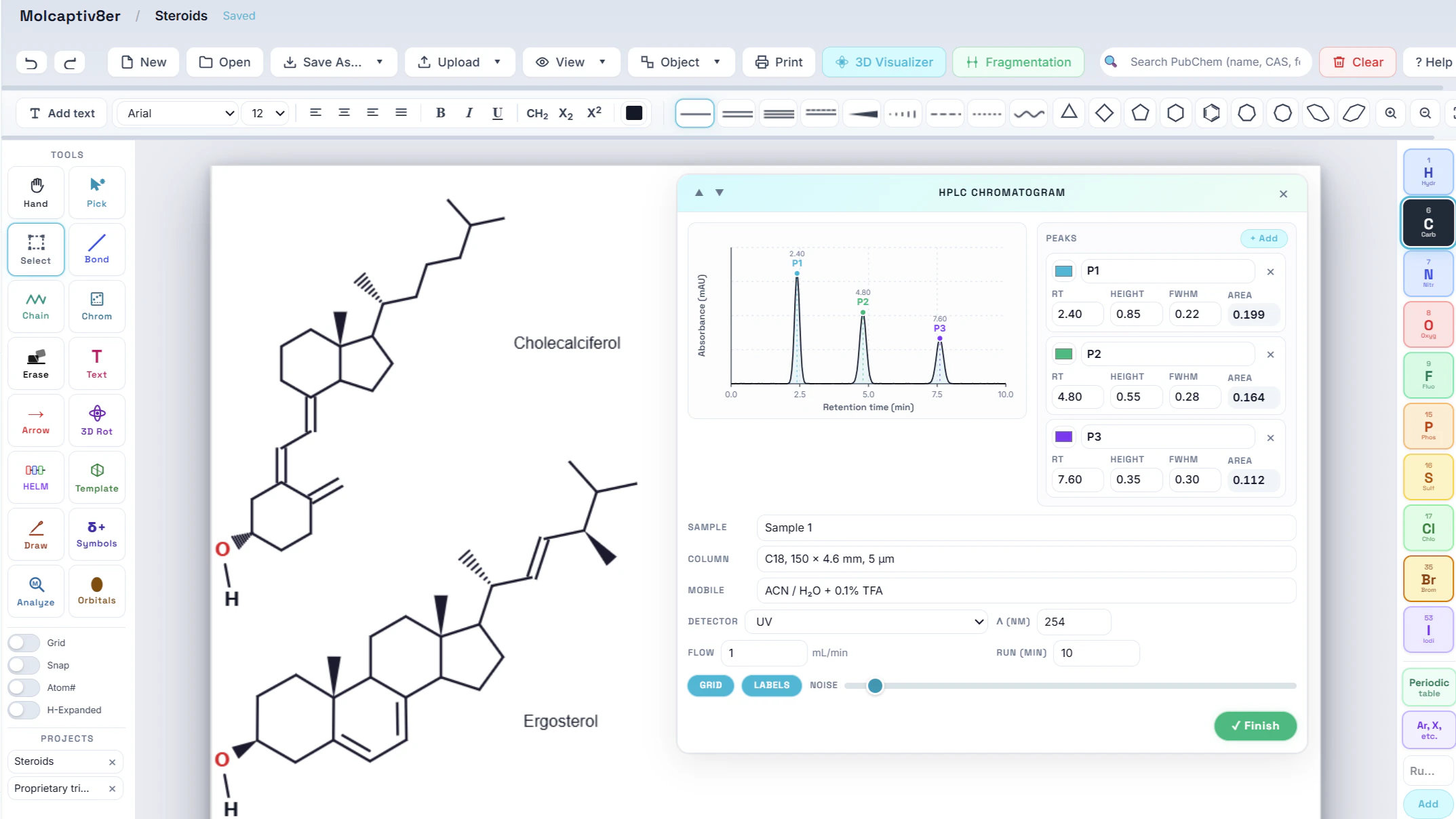
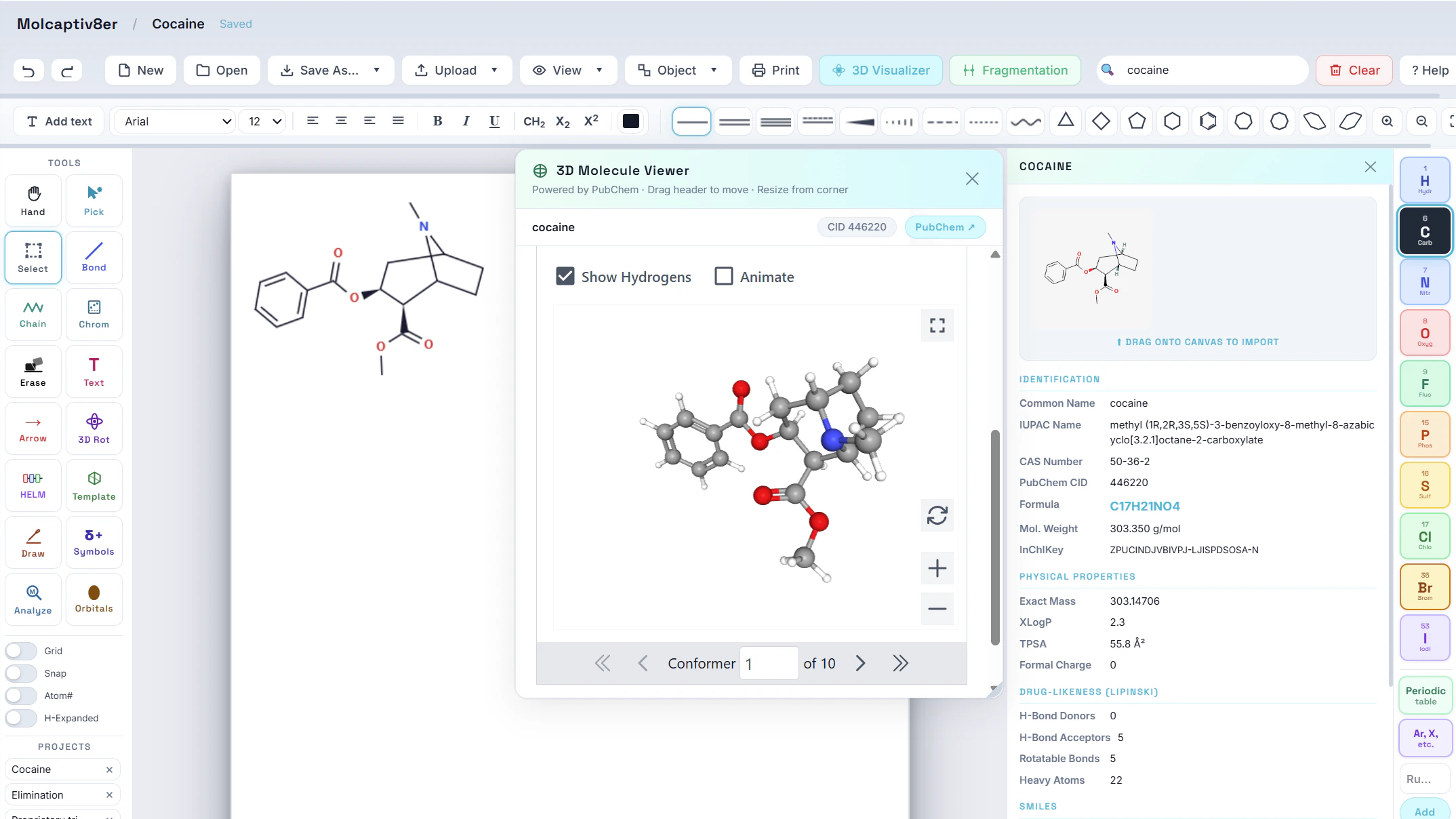
  • MolCaptiv8er
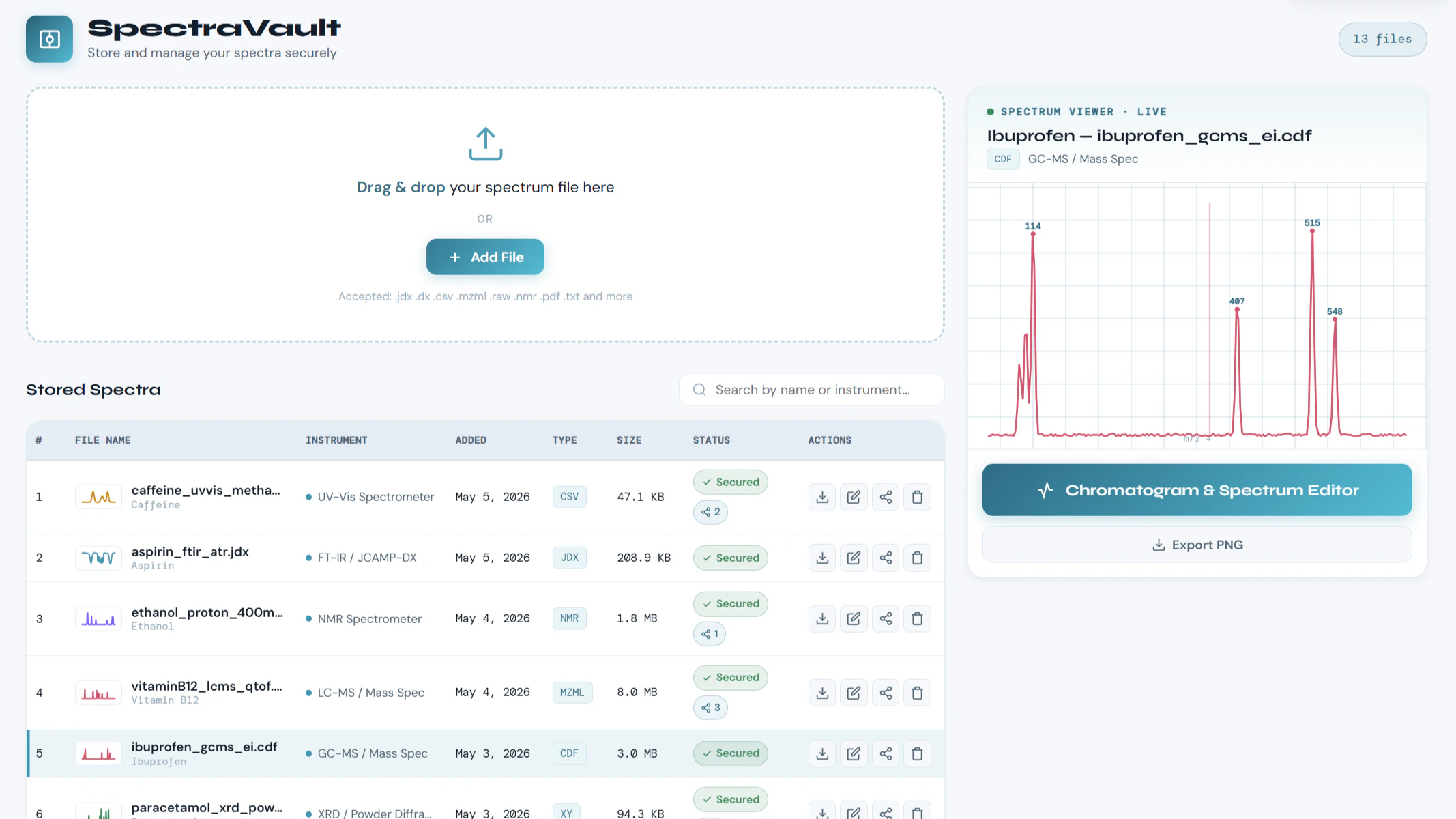
  • SpectraVault
1Create your workspace

Create Your Workspace.

Sign up and access ChemITrust AI Chat, ChemVoice, MolCaptiv8er, SpectraVault, calculators, and scientific resources from one account.

It runs in the browser. Nothing to install, nothing to configure, no credit card for the free tier.
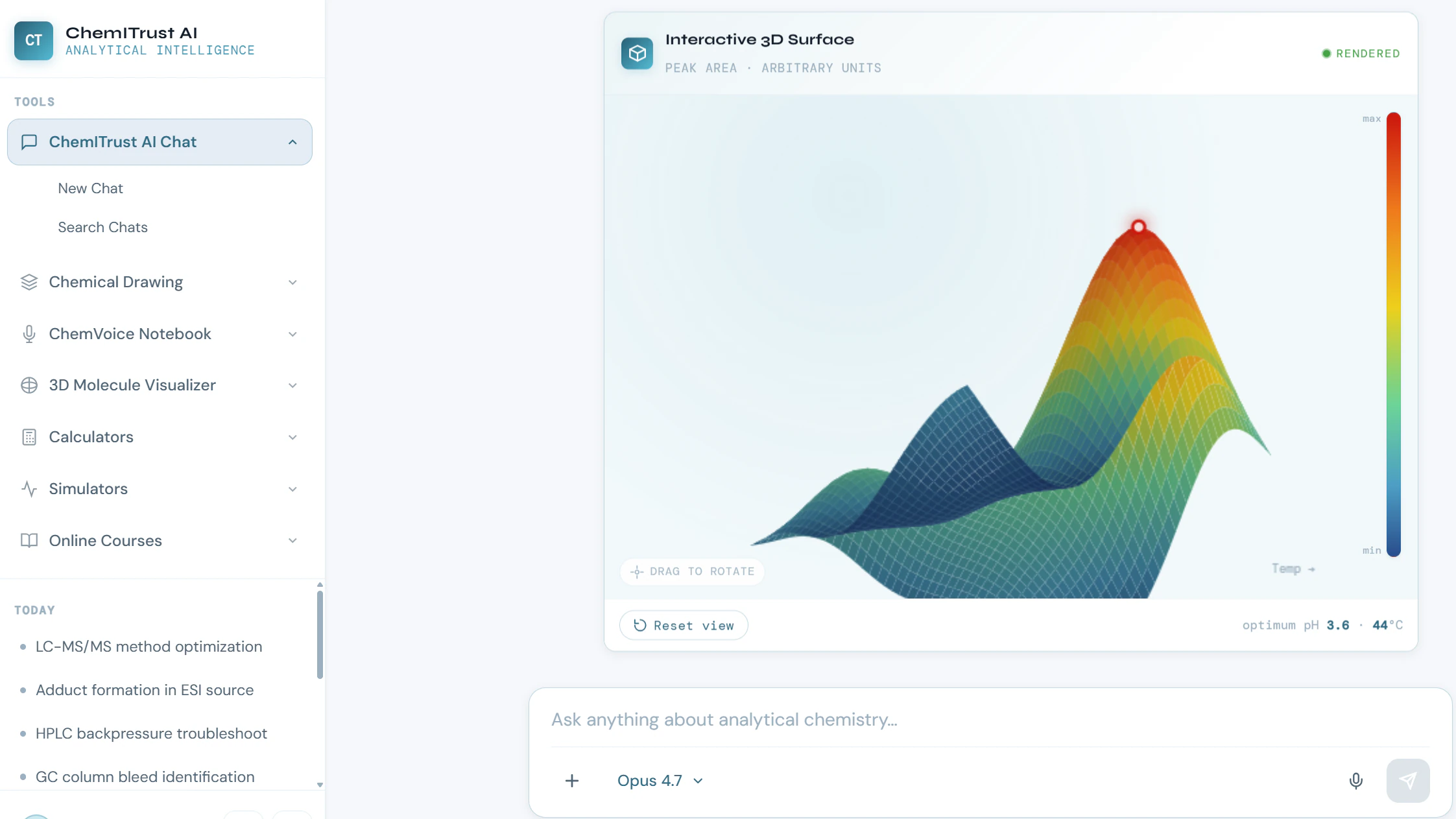
The ChemITrust AI workspace with all four tools available from one account
2ChemITrust AI Chat

Ask. Check. Keep Working.

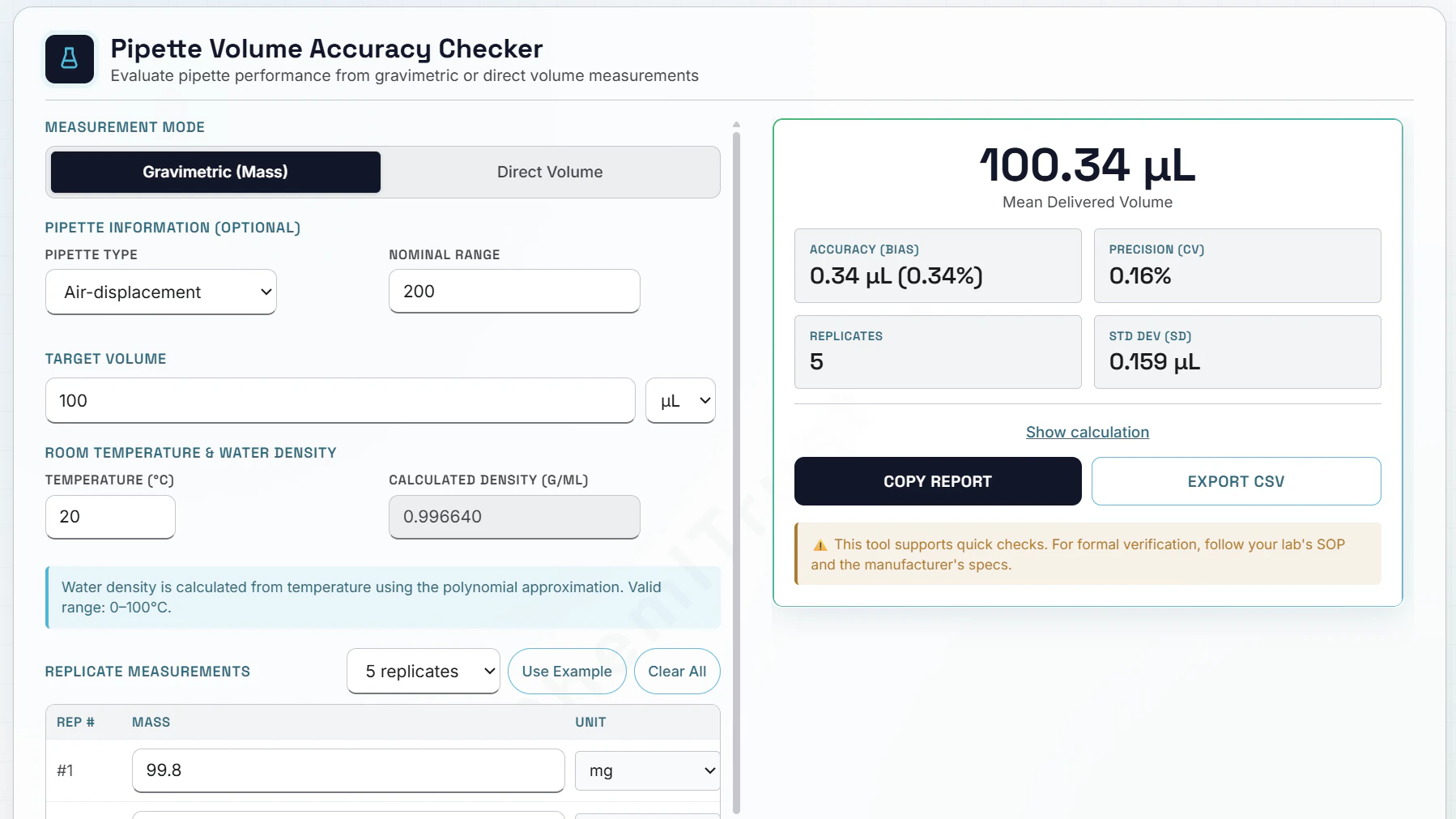
Ask about reactions, mechanisms, calculations, instruments, troubleshooting, and laboratory methods.

Chemistry answers can be grounded against chemical information sources and include a confidence rating, so you can evaluate the response rather than take it on faith.

More about ChemITrust AI Chat
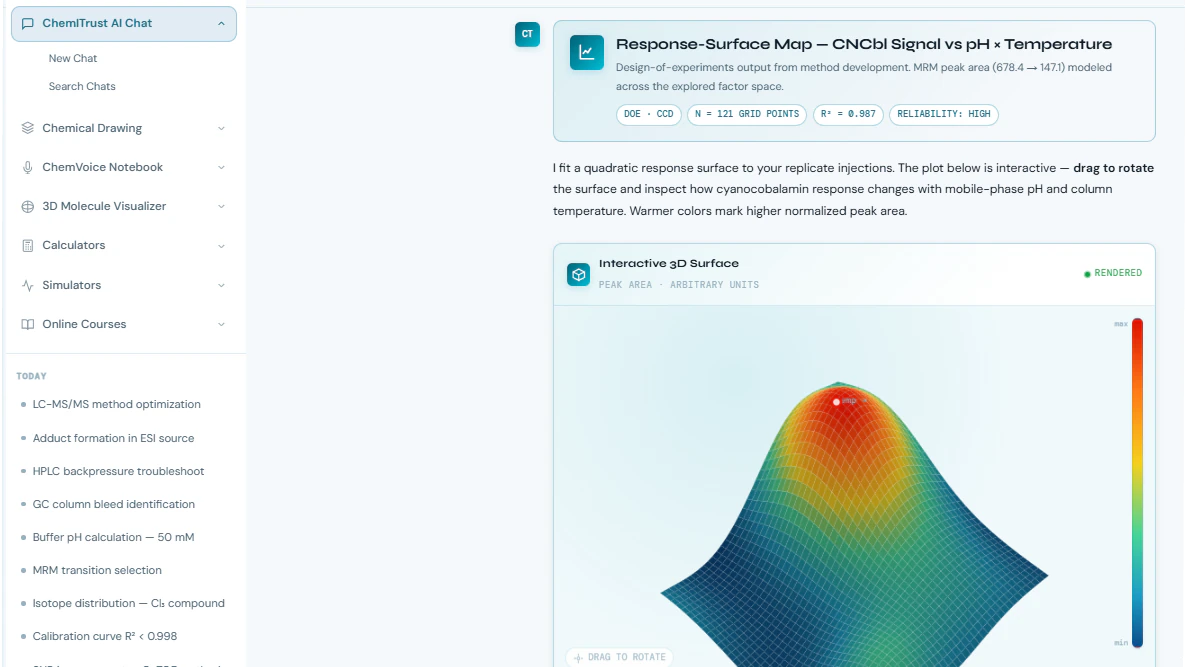
A chemistry question answered in ChemITrust AI Chat with a confidence rating
3ChemVoice

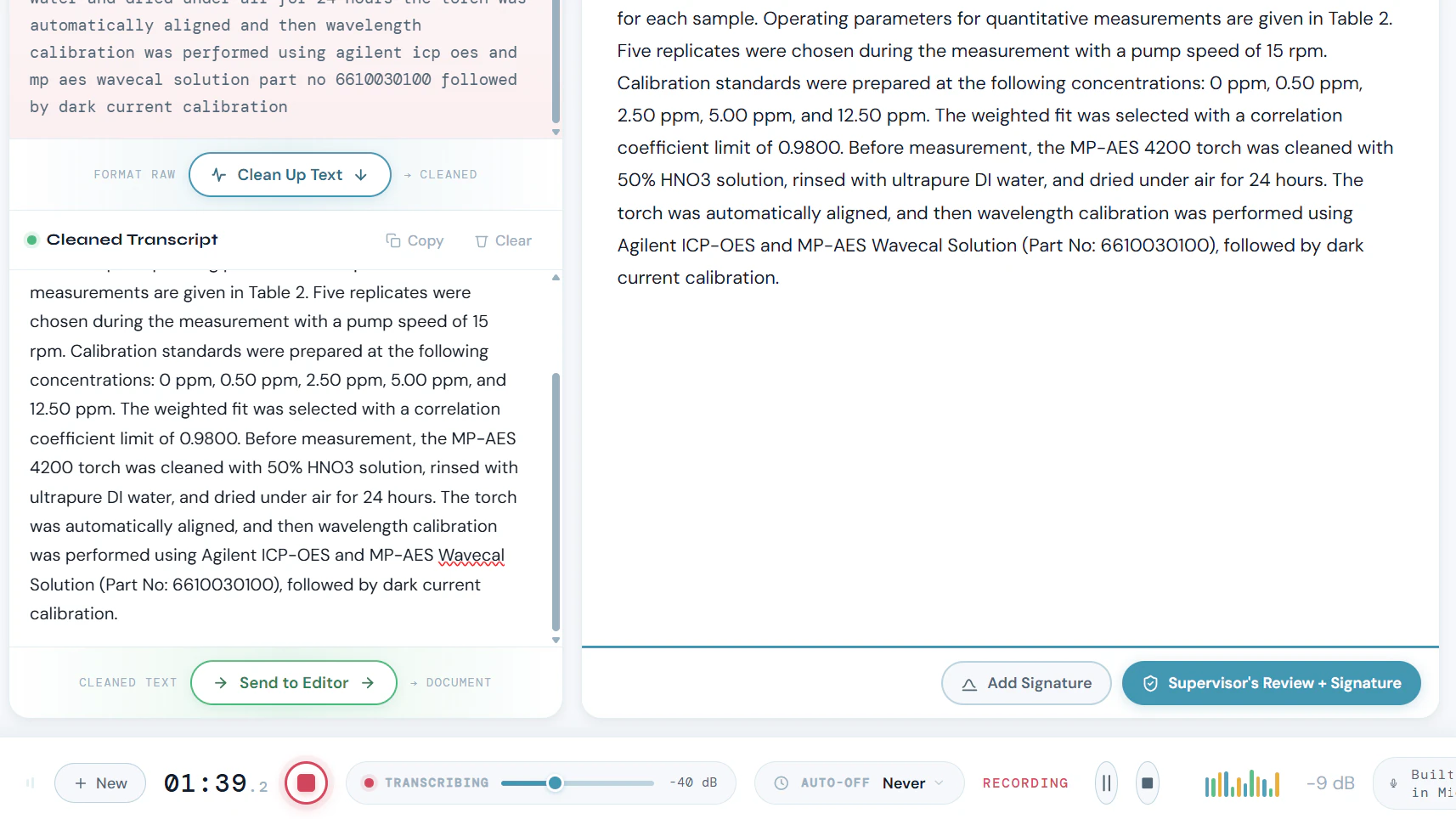
Speak. Don't Stop to Type.

Describe what you are doing while you work. ChemVoice converts scientific speech into structured, ready-to-use text.

No stopping every few minutes to manually type observations.

More about ChemVoice
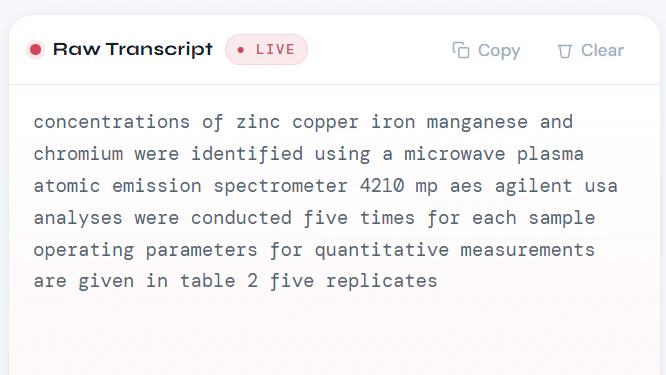
ChemVoice turning spoken laboratory observations into structured notes
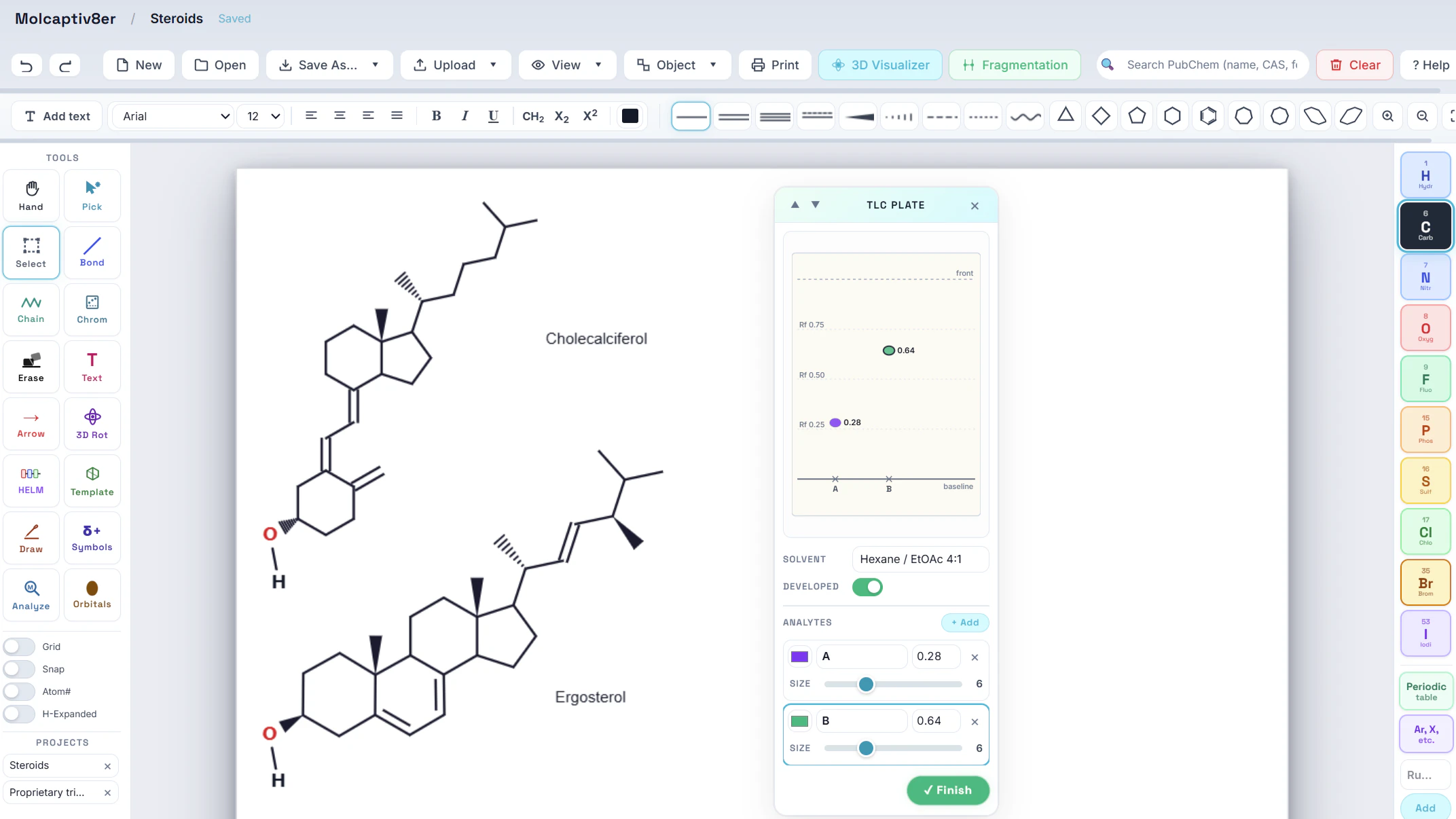
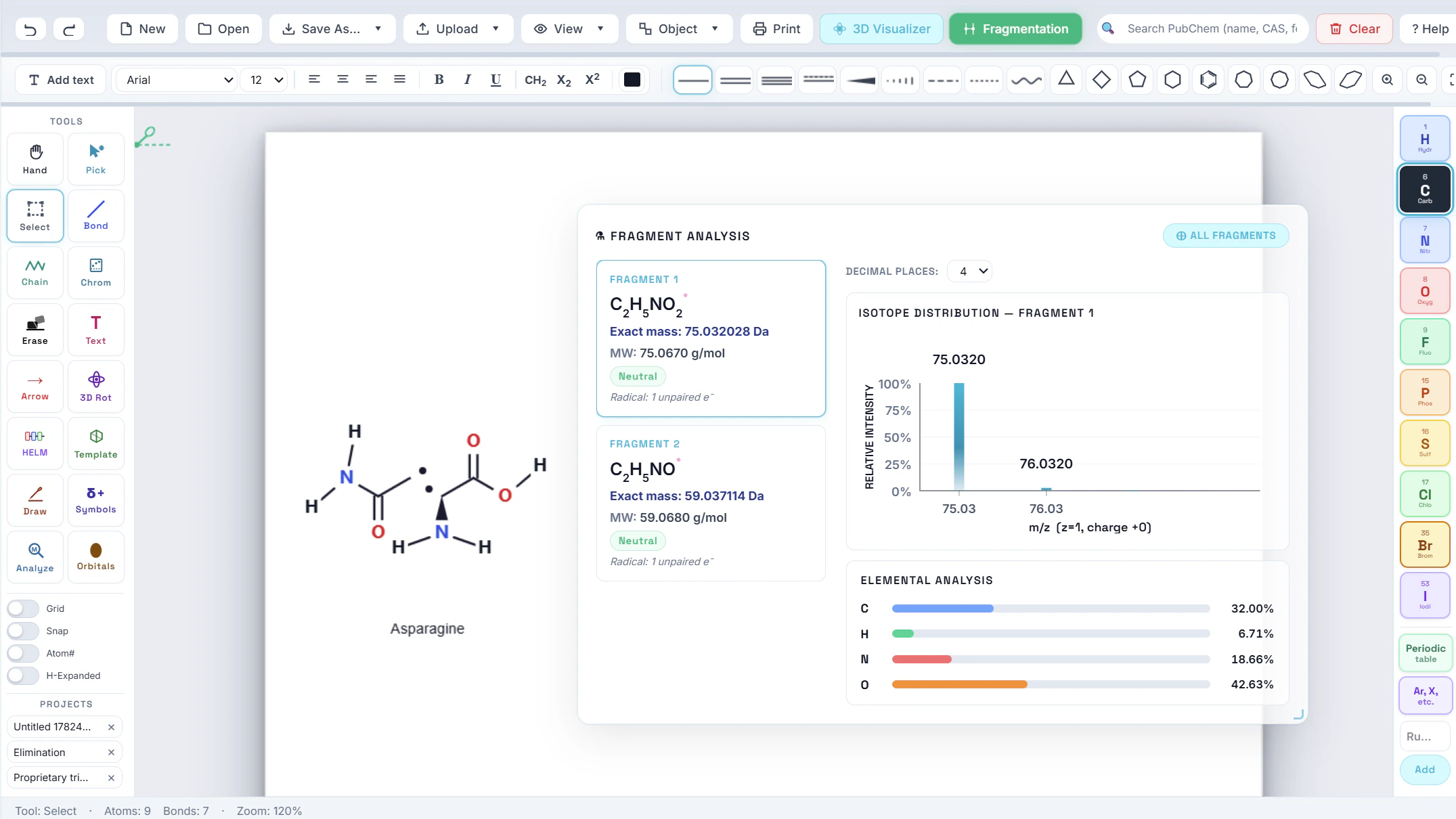
4MolCaptiv8er

Draw It. Use It. Keep Working.

Draw a structure, calculate properties, visualize it in 3D, and export it without leaving the workspace.

The structure ends up in the report you were already writing, instead of in a separate application you have to export from.

More about MolCaptiv8er
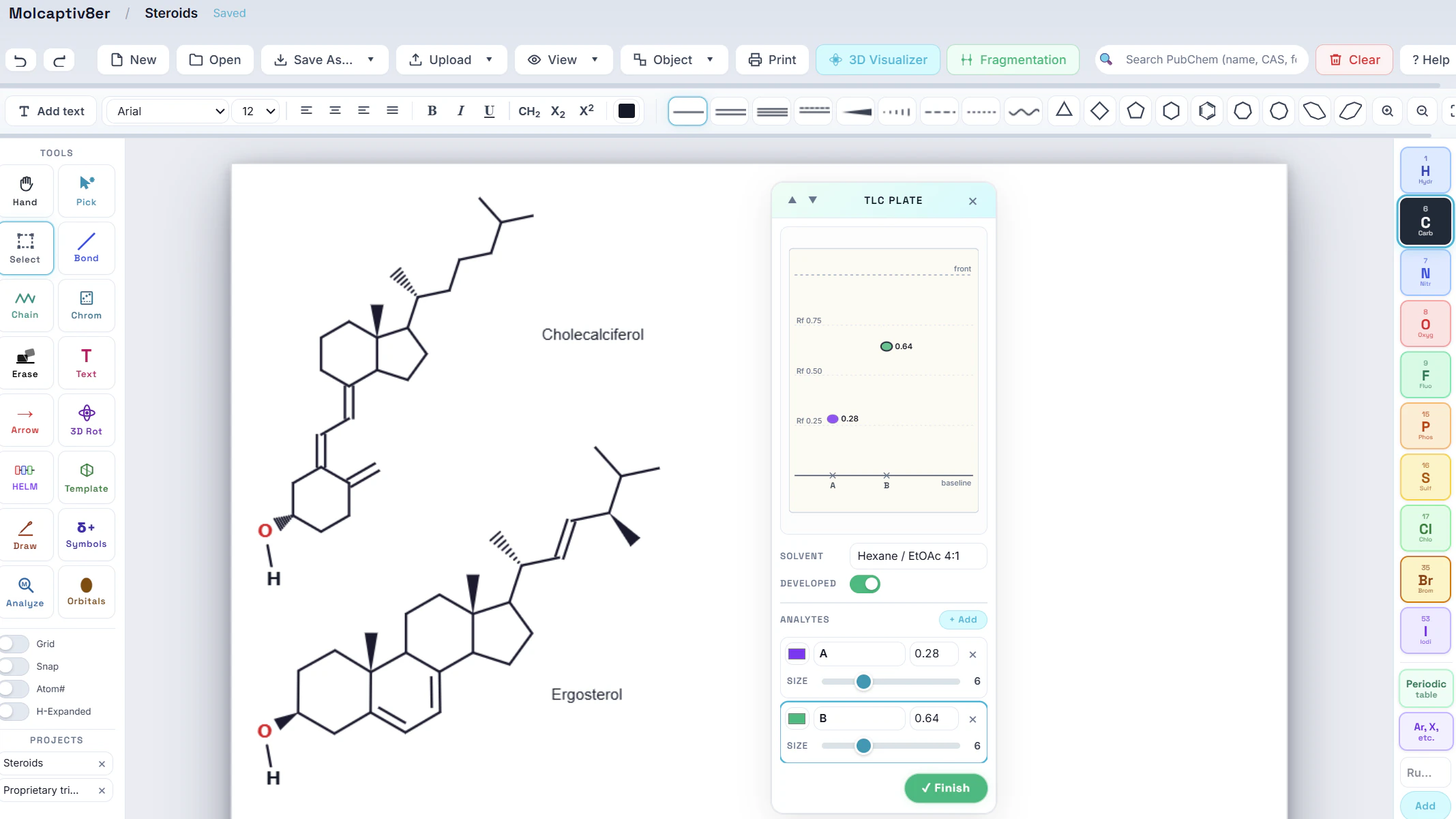
A molecular structure being drawn and analyzed in MolCaptiv8er
5SpectraVault

Drop It In. Find It Later.

Move files off scattered instrument computers and into one organized research workspace.

Store spectra, chromatograms, instrument exports, datasets, and related documents together - and find last Tuesday's run by name instead of by memory.

More about SpectraVault
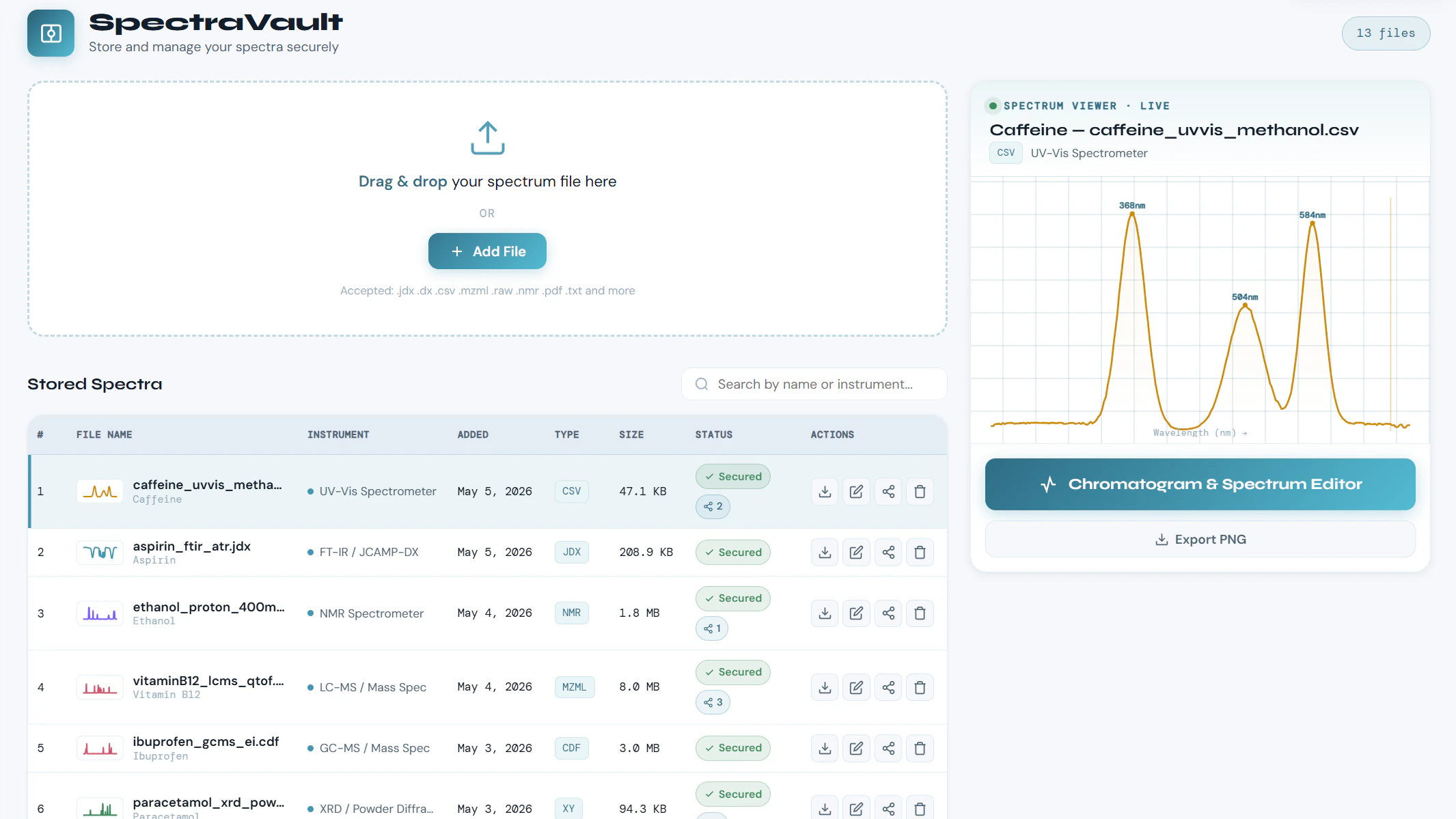
Instrument files stored and searchable in a SpectraVault library

One Experiment. One Connected Workflow.

Four tools matter less than what happens between them. This is one experiment moving through the workspace, in the order it actually happens.

  1. Run the experimentThe instrument is running and your hands are busy.
  2. ChemVoiceCapture observations without stopping to type.
  3. SpectraVaultSave the instrument output where you will find it again.
  4. ChemITrust AI ChatTroubleshoot the unexpected result, and see how strong the evidence is.
  5. MolCaptiv8erDraw the compound or the reaction it points to.
  6. Continue your workThe notes, the files, the answer and the structure are all in one place.

Four separate applications can each do their part. Only one workspace keeps the thread.

See How It Fits Into Your Work

The same four tools, in three different working days.

The LC-MS pressure suddenly increases.

  1. ChemITrust AI ChatAsk what causes a sudden pressure rise, and check the likely causes in the order worth ruling out.
  2. ChemVoiceDictate what you observed while you are still standing at the instrument.
  3. SpectraVaultSave the chromatogram alongside the note that explains it.

Your Science Stays Yours.

What the workspace does with your questions, your notes and your files.

Chemistry-focused answers

Scientific information is checked against relevant chemical information rather than relying only on model recall.

Confidence ratings

See an indication of answer reliability and decide how much weight to give the response.

Private scientific workspace

Your conversations, structures, lab notes, and stored research files are not used to train public AI models.

Learn about security & privacy

AI Assists. You Decide.

ChemITrust AI is designed to support scientific judgment - not replace it.

  • Ask questions.
  • Review the evidence.
  • Check the confidence.
  • Edit your documentation.
  • Keep control of your scientific work.

Start Using ChemITrust AI Free

Create an account and put the workspace against a real piece of work. No credit card, nothing to install.