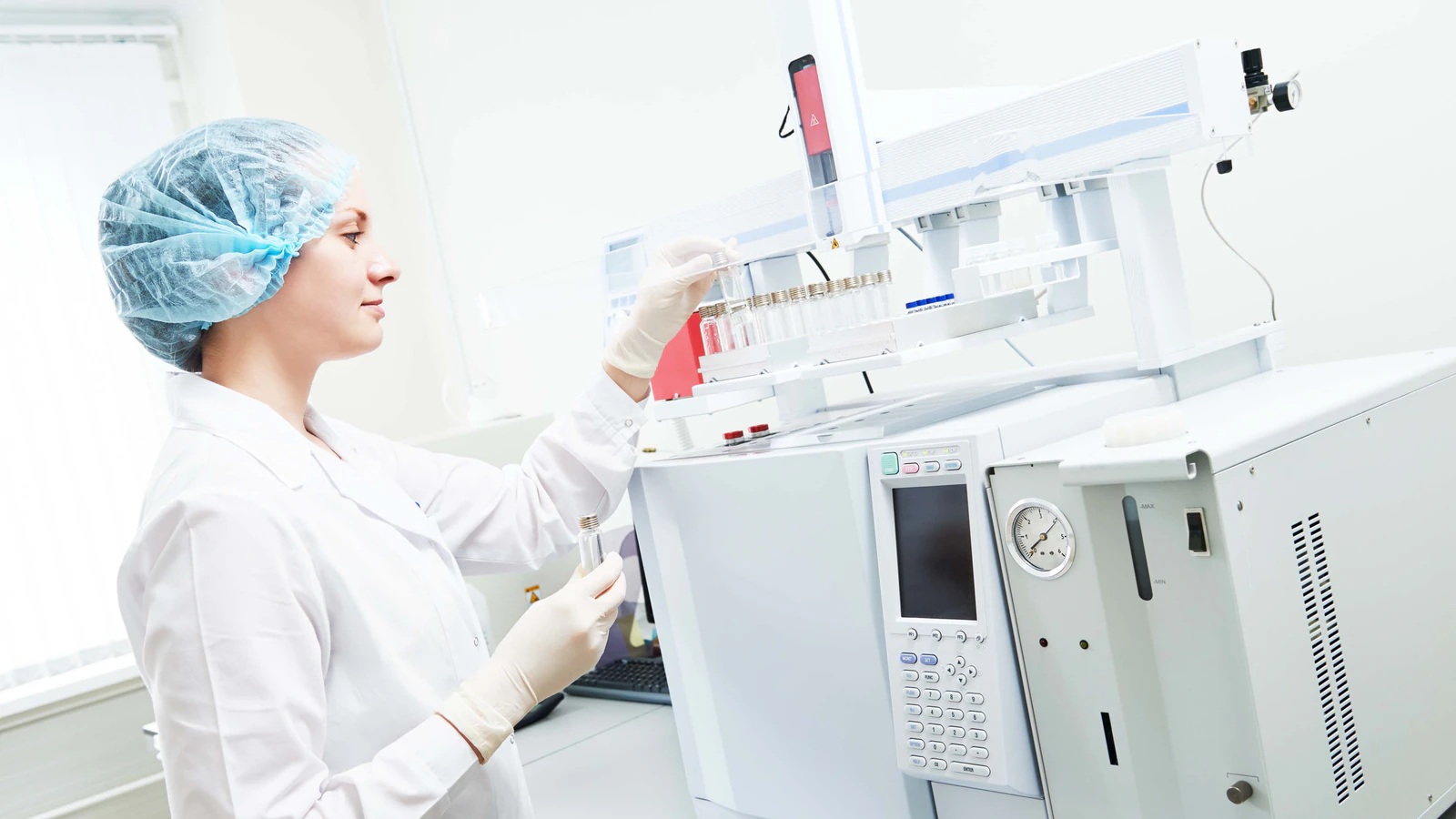
Manual documentation
Stopping experiments to type observations and notes.
None of this is exotic - it is the ordinary friction of a working week in a laboratory. But an hour a day is more than 200 hours a year: close to six working weeks that never reach the bench.
Stopping experiments to type observations and notes.
Searching manuals, methods, literature, and the web when something goes wrong.
Data sitting across instrument computers, shared drives, and individual folders.
Switching between separate tools for AI, structures, documentation, and data.
Ask about instruments, reactions, calculations, laboratory methods, troubleshooting, and chemistry.
Answers can include supporting sources and confidence ratings, so scientists can evaluate the information instead of blindly trusting an AI response.
Spend less time searching and more time solving the problem.
More about ChemITrust AI Chat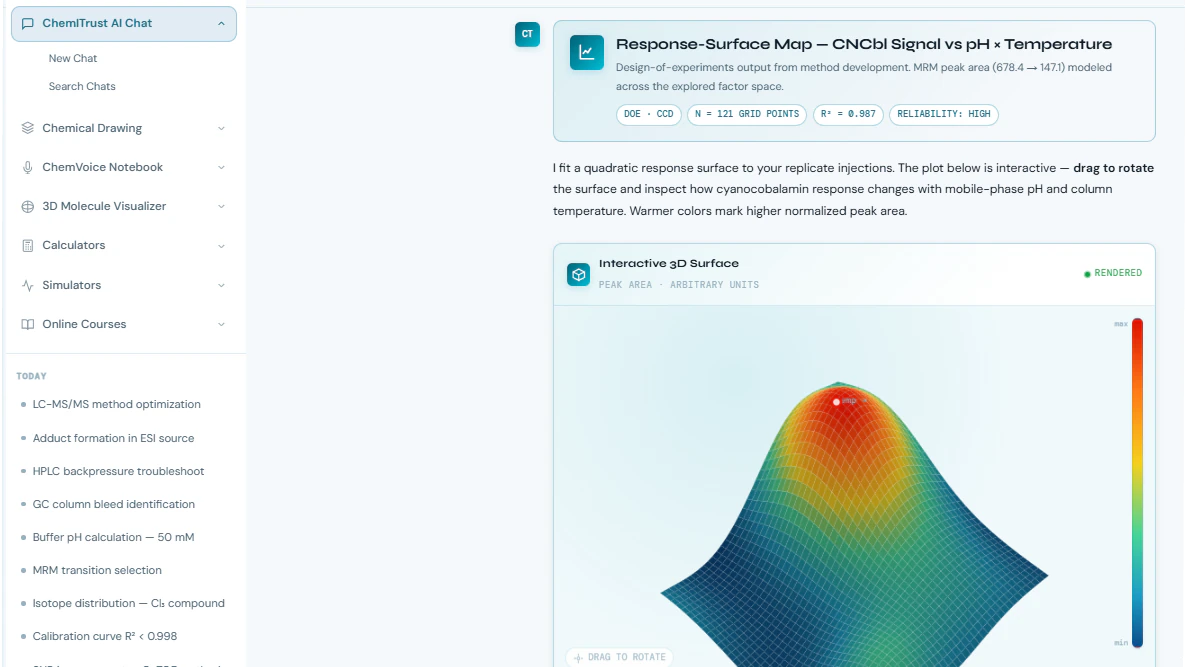
Speak observations while you work. ChemVoice converts scientific speech into structured, ready-to-use text.
It is trained on technical chemistry language rather than general dictation, and raw audio is processed in real time and never stored.
Keep your hands on the experiment instead of the keyboard.
More about ChemVoice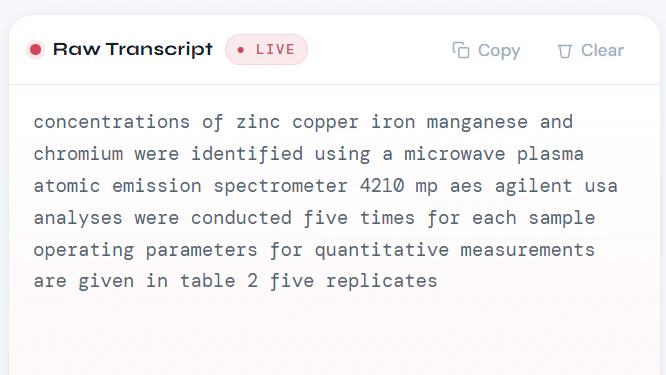
Organize chromatograms, spectra, instrument exports, reports, and research files in one searchable workspace.
Files are stored and returned byte-for-byte, so an archived run still opens in the vendor software that wrote it.
Stop wondering which computer or folder contains the file you need.
More about SpectraVault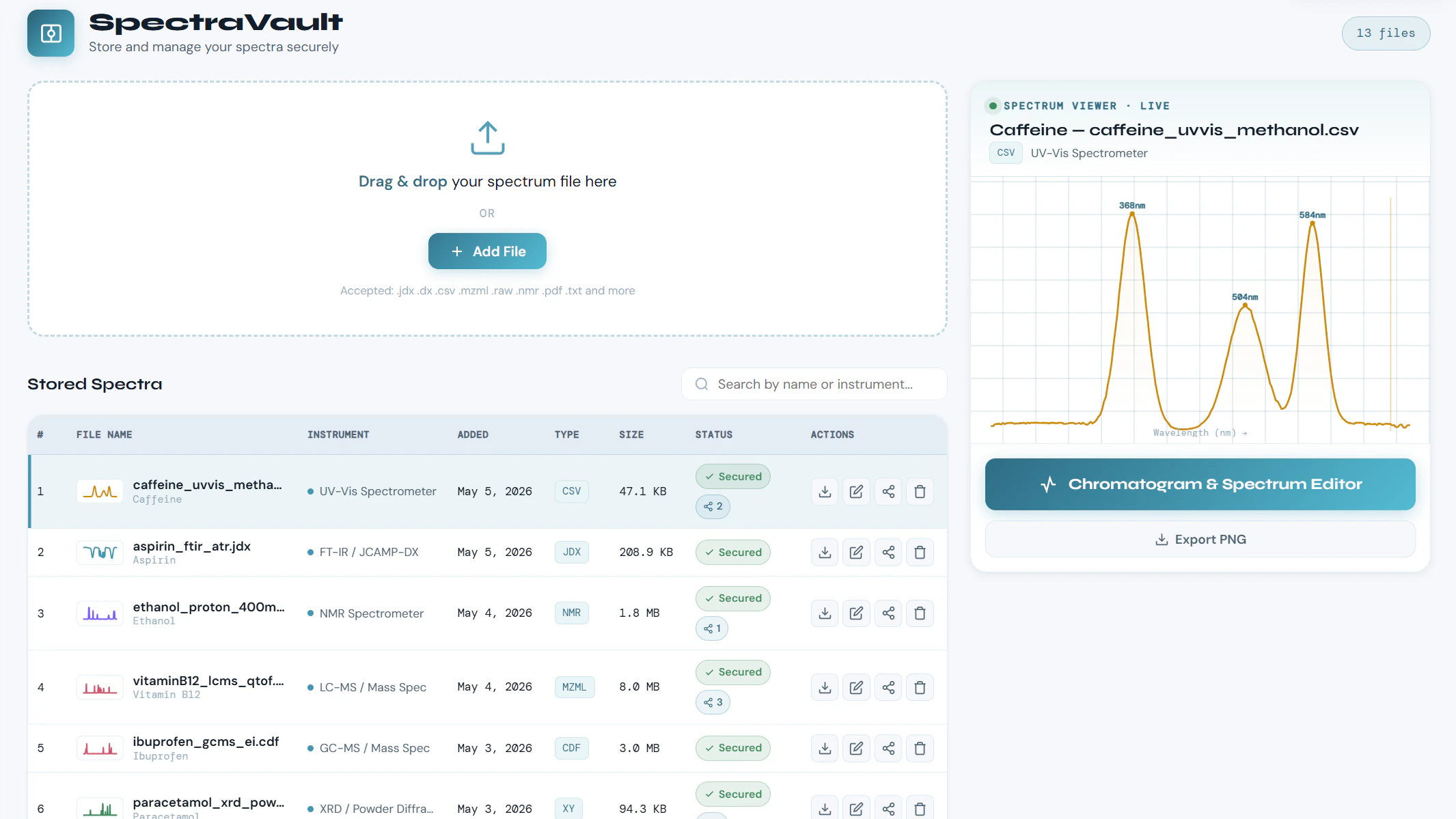
Draw, visualize, calculate properties, and export molecular structures from the same scientific workspace.
The structure ends up in the report you were already writing, rather than in a separate application you have to export from.
Fewer disconnected tools and fewer interruptions.
More about MolCaptiv8er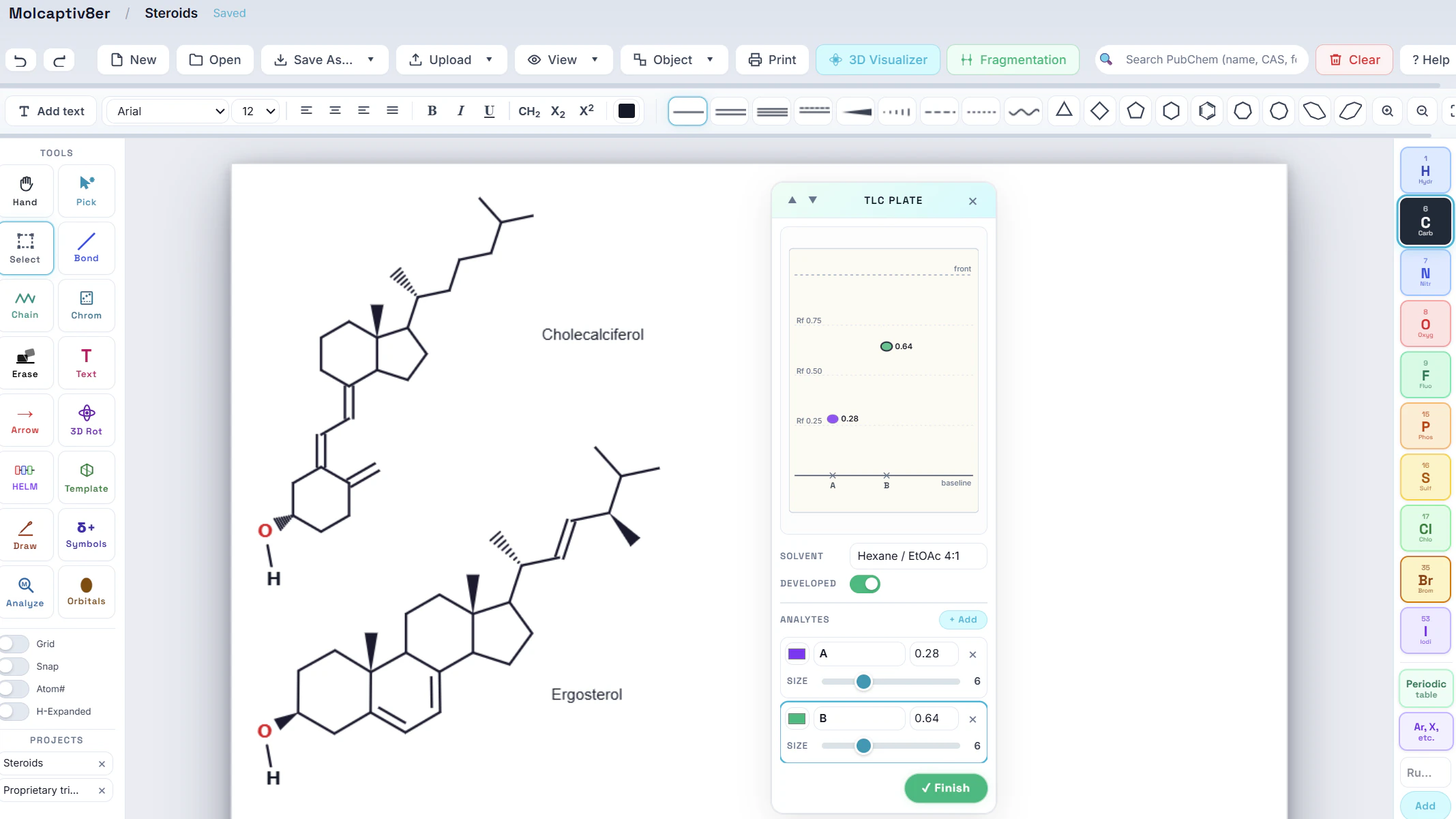
Four tools matter less than what happens between them. This is one experiment moving through the workspace, in the order it actually happens at the bench.
Four separate applications can each do their part. Only one workspace keeps the thread.
The moments in a working day when the workspace earns its place.
Explore possible causes of unexpected chromatography, spectroscopy, or instrument behavior.
Work through calculations, conditions, reagents, and analytical considerations.
Capture experimental observations without stopping to manually type.
Quickly investigate chemistry questions while keeping sources and confidence visible.
What the workspace does - and does not do - with what your laboratory puts into it.
Your conversations, structures, lab notes and stored research files belong to your account, not to a shared pool.
AI providers do not use your data to train their public models, and are not permitted to.
Confidence indicators help scientists evaluate AI-generated answers rather than accept them at face value.
The workspace is the same wherever it is used; what changes is which part of it earns its keep first.