“Where did I save that spectrum?”
One Vault for Every Run.

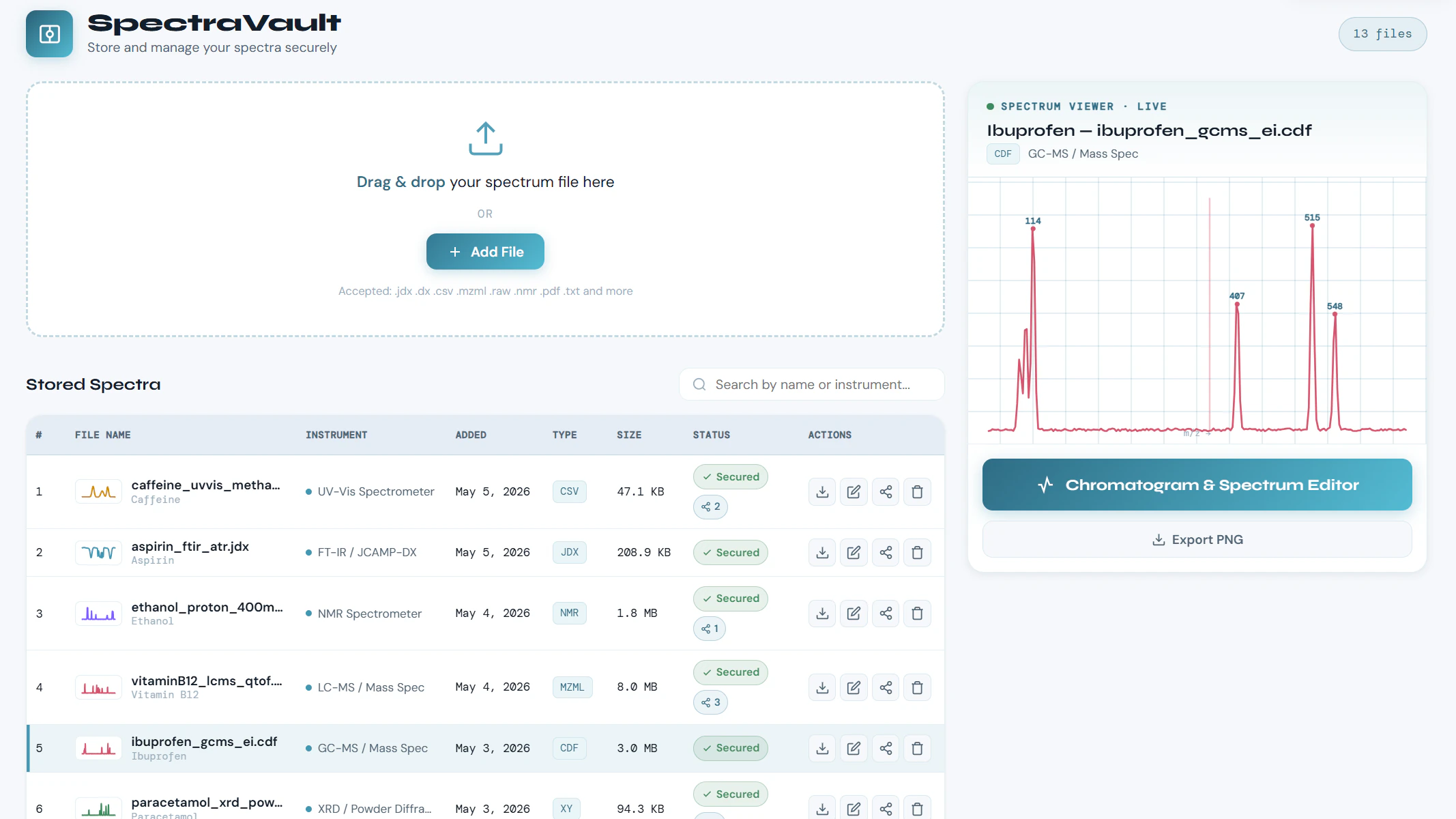
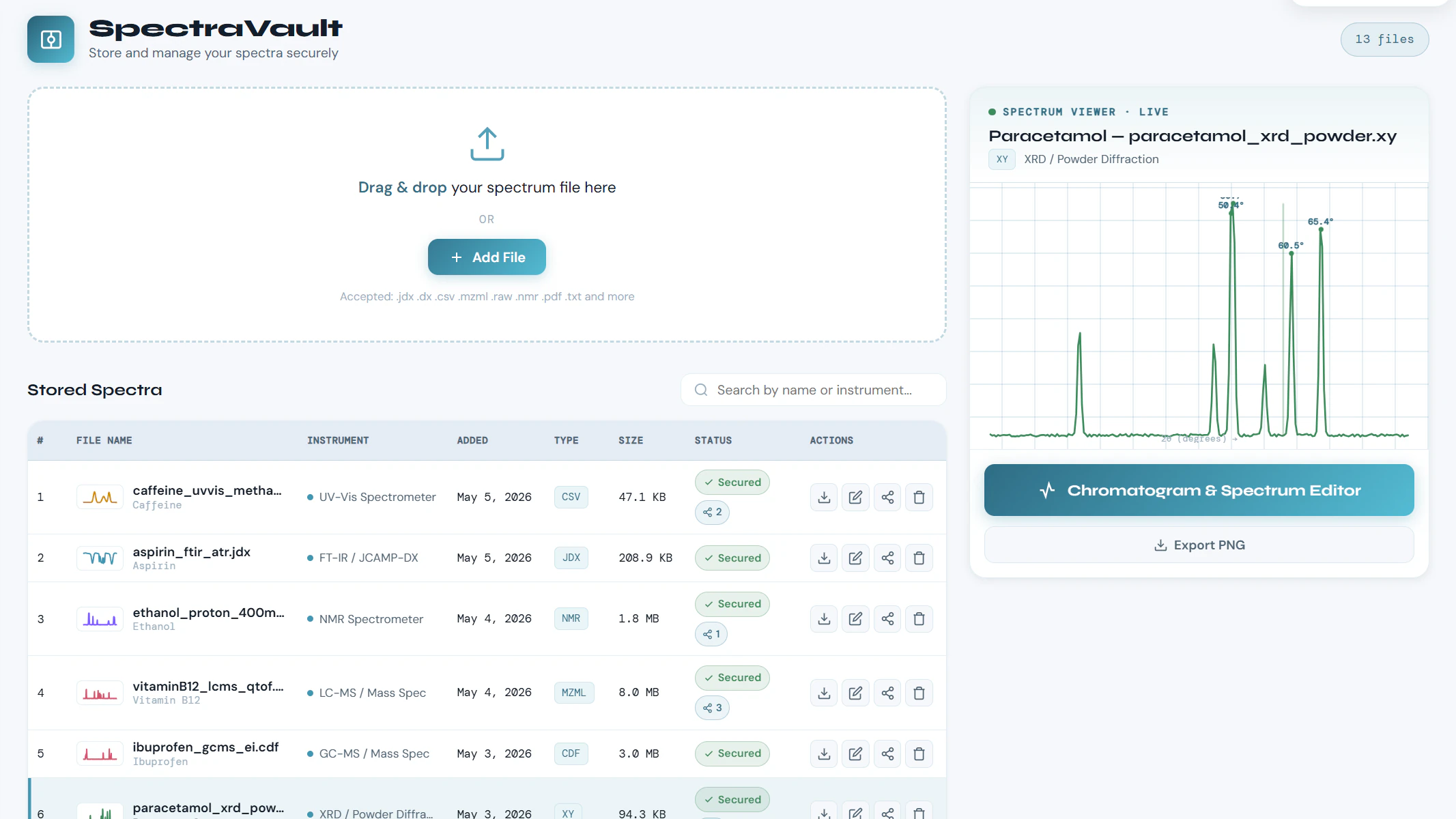
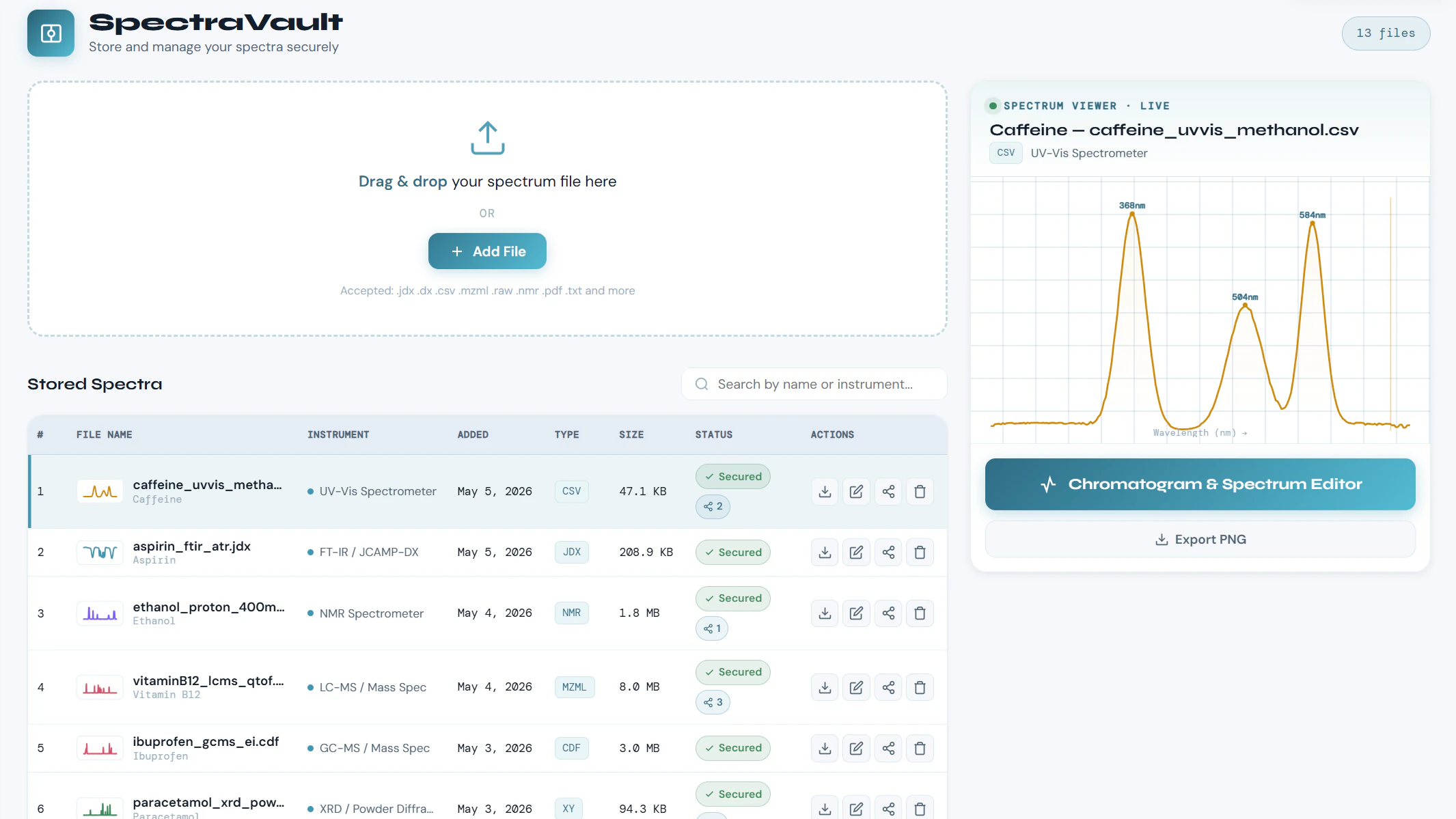
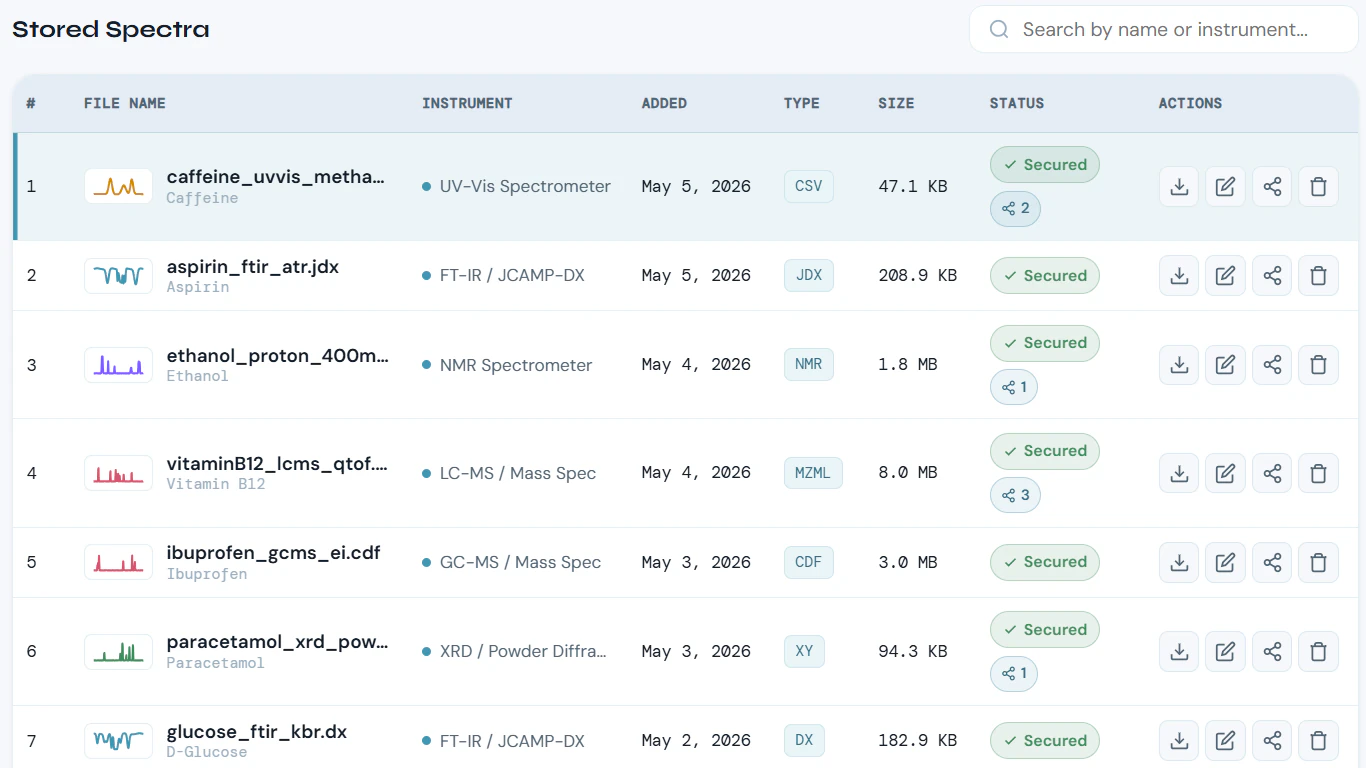
The JDX from last Tuesday, the mzML the LC-MS wrote to a shared drive, the CSV a colleague emailed. SpectraVault keeps spectra, chromatograms, instrument exports, and related documents together in one secure ChemITrust AI workspace - right next to Chat and ChemVoice.
Free forever planFive tools30-second signup
SpectraVault - 1SpectraVault - 2SpectraVault - 3SpectraVault - 4
From the instrument PC to one vault

What SpectraVault Delivers

How much of your week goes into hunting for one run across instrument PCs, USB sticks, shared drives and email threads?

Drag and Drop From the Instrument PC

Stop hunting for files across instrument computers, shared drives, and email. Put them in SpectraVault and keep your scientific data organized in one secure workspace.
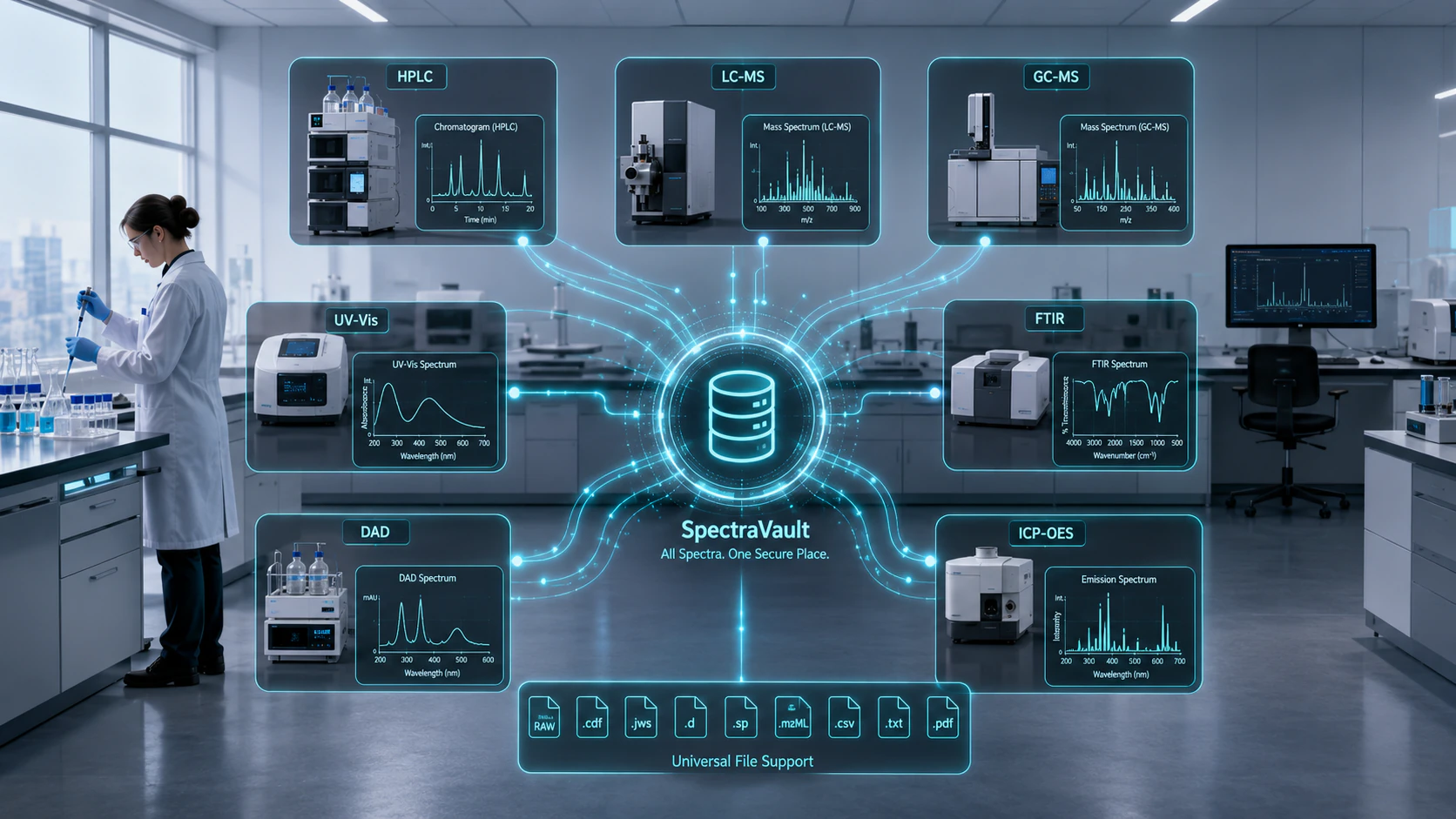
Drag and Drop From the Instrument PC preview

Instrument Formats, Stored Intact

SpectraVault accepts the formats instruments write - JDX, DX, SPC, XY, mzML, mzXML, RAW, NMR, FID, CDF - alongside CSV, TXT and PDF. Accepted means stored and returned exactly as uploaded, byte-for-byte, so the file opens in your instrument software as if it had never left. It does not mean the format is parsed, rendered or analysed here.
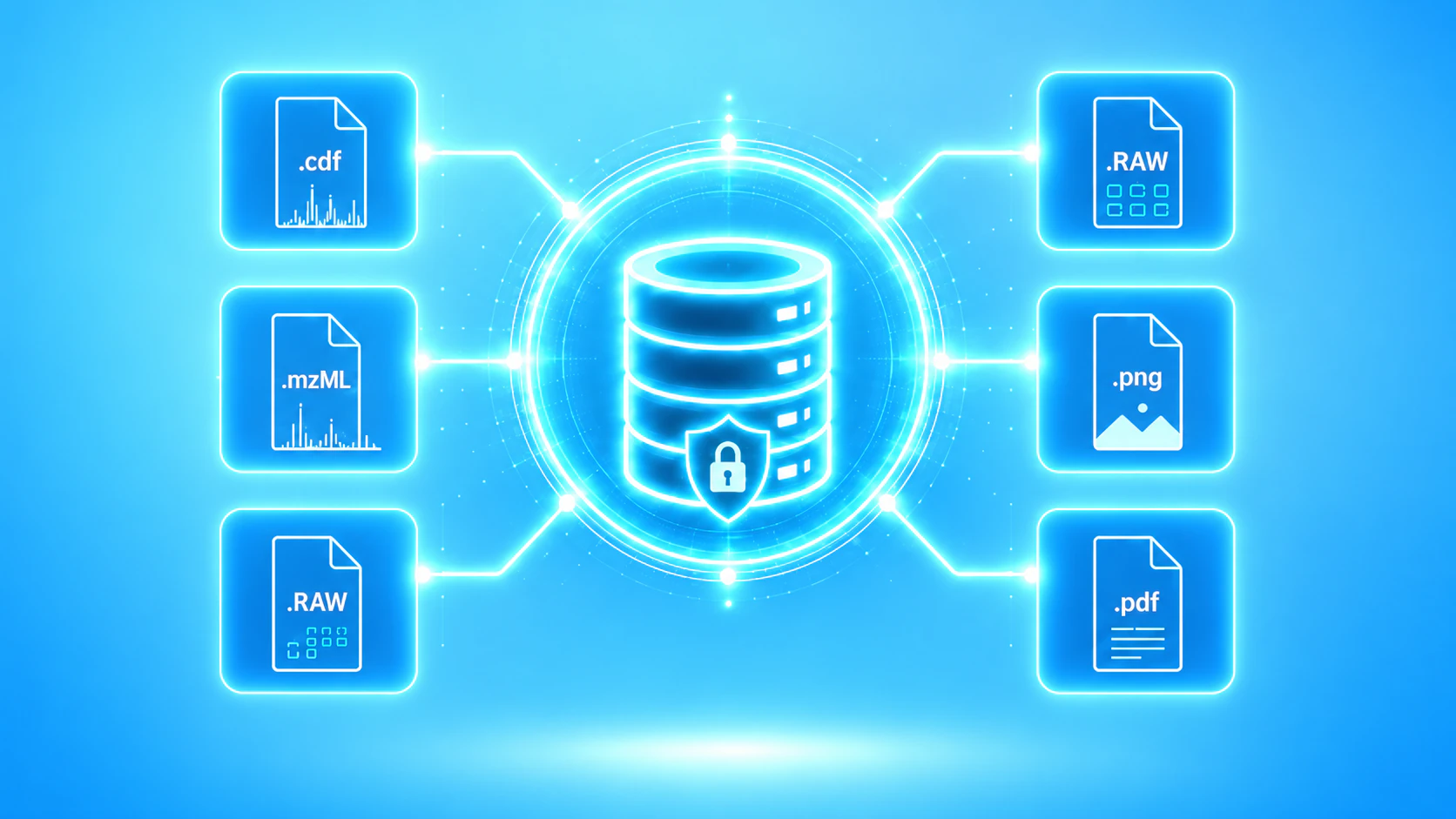
Instrument Formats, Stored Intact preview

Chromatography and Spectroscopy Data

The files a lab generates every day - HPLC, GC and LC-MS runs, NMR, IR, Raman and UV-Vis spectra - kept in one vault instead of spread across an instrument PC, a USB stick and someone else's inbox.
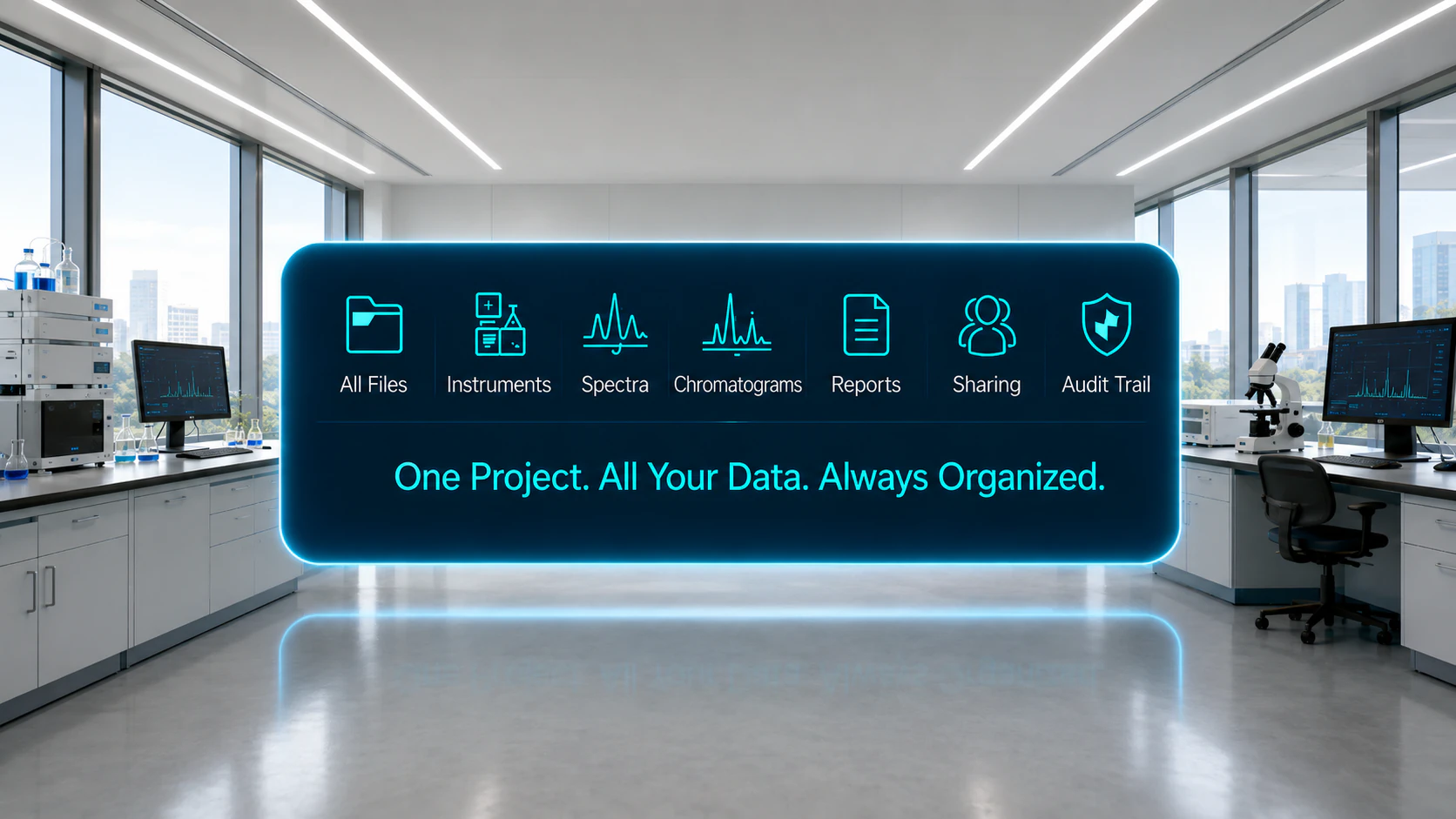
Chromatography and Spectroscopy Data preview

Coming Soon: A Data Visualizer

A chromatographic and spectroscopic visualizer is in development: open a chromatogram or a spectrum in the browser and read it without launching vendor software. Until it ships, SpectraVault stores, searches and returns your files - it does not interpret them.
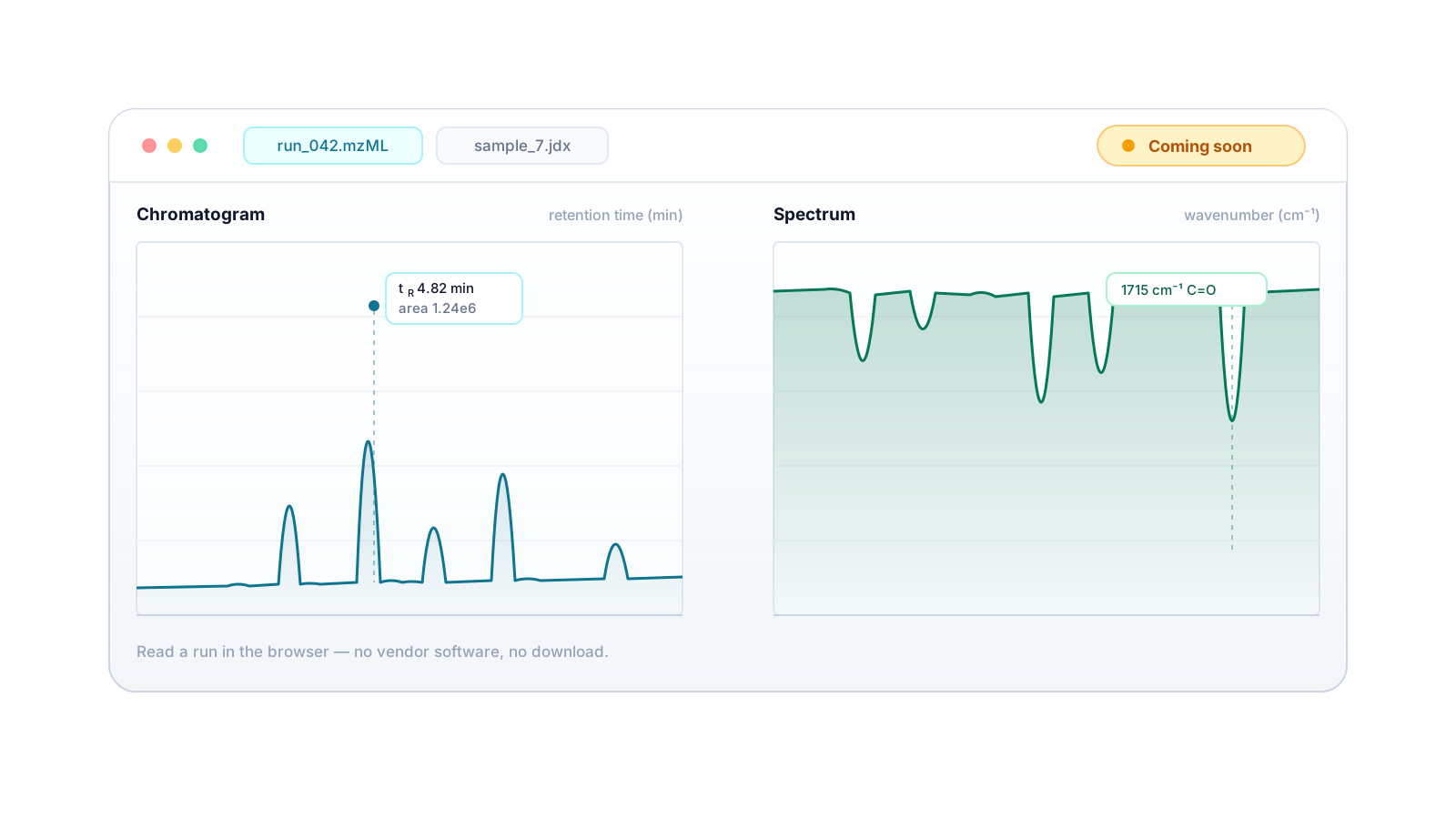
Coming Soon: A Data Visualizer preview

Secure and Private

Private to your account and protected by access controls and role-based permissions, on trusted cloud infrastructure. Proprietary and unpublished work is never used to train public models. Suitable for proprietary and unpublished work.
Secure and Private preview
Practical Applications

What You Can Keep in SpectraVault

From a single instrument export to a whole project's data history - in one place you can search.

Chromatography Runs

HPLC, GC and LC-MS exports - mzML, mzXML, RAW and CDF - stored as the instrument wrote them.

Spectroscopy Files

NMR, IR, Raman and UV-Vis data in JDX, DX, SPC, XY, NMR and FID form, kept together rather than scattered across instrument PCs.

Instrument Exports

Drop raw exports straight from the instrument PC - nothing has to be renamed or converted first.

Processed Datasets

Integrated results, calibration data and CSV exports archived next to the raw runs they came from.

Method Notes and Reports

The PDFs and text notes that explain a run - method conditions, sample prep, observations - stored beside the data they describe.

Sharing With Colleagues

Hand a specific file to a collaborator, supervisor or reviewer instead of emailing an attachment and losing track of it.

Common questions

Frequently asked

What is SpectraVault?
File storage from ChemITrust AI for research data. It holds the exports your instruments produce - chromatography runs, spectra, datasets and the documents that go with them - in one searchable vault inside the ChemITrust AI workspace, rather than in a consumer drive alongside your personal files.
What kinds of files can I store?
Instrument and data formats - JDX, DX, SPC, XY, mzML, mzXML, RAW, NMR, FID and CDF - plus CSV, TXT and PDF for datasets, notes and reports.
Does SpectraVault open or analyse these files?
Not yet, and the difference is worth being precise about. Today SpectraVault stores your files and returns them byte-for-byte, so they open in your instrument or analysis software exactly as they did before upload. It does not parse, render or interpret the formats it accepts. A chromatographic and spectroscopic visualizer that reads chromatograms and spectra in the browser is in development.
How do I add files?
Drag and drop them from your desktop or the instrument export folder into SpectraVault. Files upload under the name the instrument gave them, and you can rename them afterwards.
How do I find a file again?
Search your vault by file name. Because it holds only your research files, a search for a run name is not competing with every personal document and photo you own.
Is my research data private and secure?
Yes. Your files are private to your account, protected by access controls and role-based permissions, and secured in transit over HTTPS. SpectraVault follows the same privacy-first architecture as the rest of ChemITrust AI - your proprietary and unpublished data is never used to train public models.
Can I share files with colleagues?
Not yet - sharing is an upcoming feature. When it arrives, you will be able to hand a specific file to a teammate, collaborator, supervisor or reviewer, with access you control.

Keep Every Run Where You Can Find It.

Stop hunting for data across instrument PCs, USB drives and inboxes. Drop your exports into one vault that knows instrument formats, and get them back exactly as they went in.